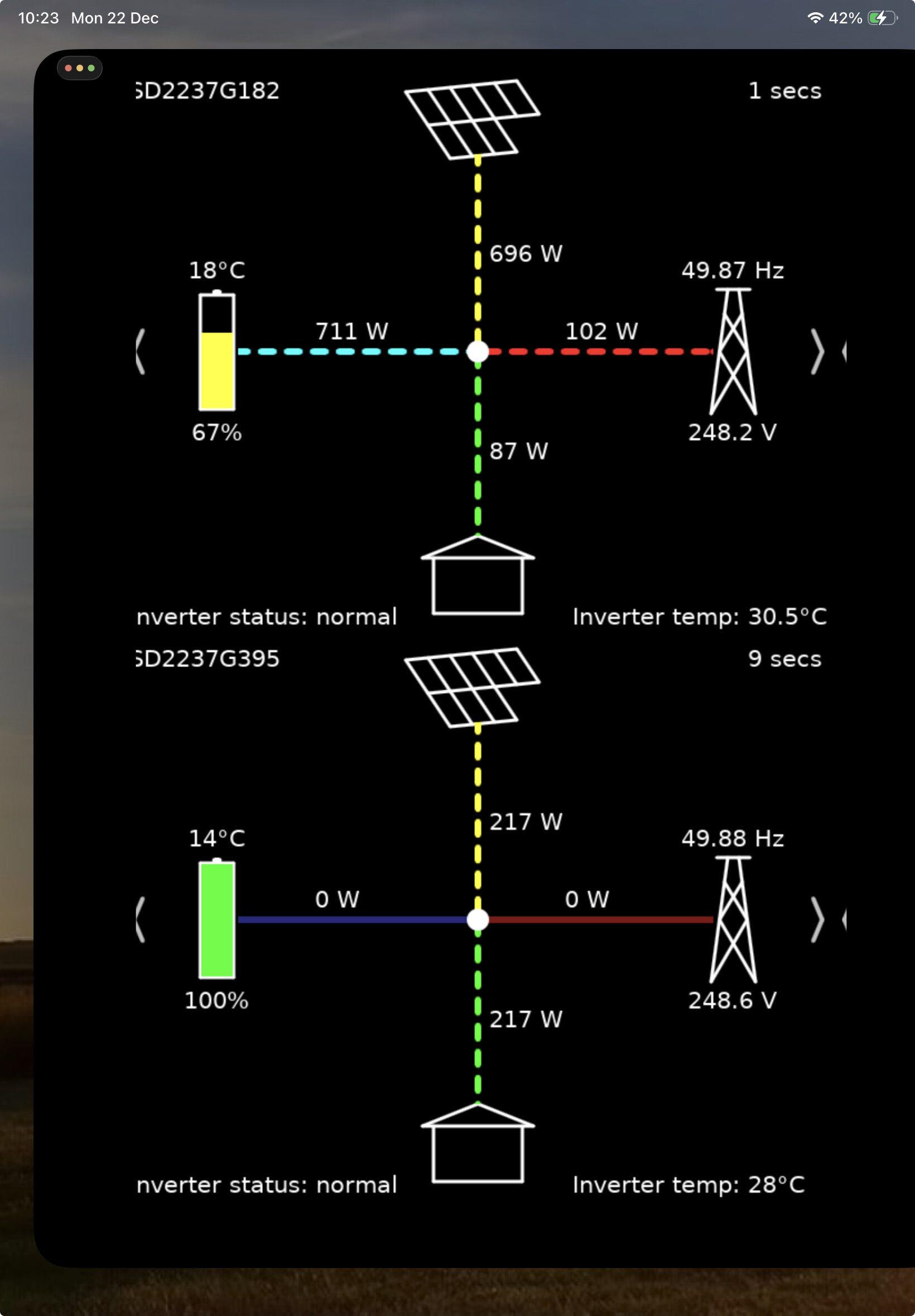
I’ve just got a GivEnergy 5kW hybrid + 9.5kWh battery + 6.75kW of panels.
I’ve noticed that when using the app locally and letting the screen time out or navigating to a different application, on coming back to the app it has lost the local connection and won’t regain it. This doesn’t happen all the time and perhaps the longer I leave it the more chance there is of losing the connection.
If I then close the app down and re-open it, local connection starts up again.
I’m running on an Android phone (Android 10 Galaxy 9+). I have also tried on another phone (Miui Redmi Note 9 with Android 10) and that has the same issue. And there’s more - If one phone loses it the other does too, but if one is working, so is the other one. And to get either working again I have to close BOTH app and then restart them.
This is all from my limited playing around with the apps so it may not be totally accurate!
1, On your router, set the inverter (it appears usually a HF-21 or something like that) to a fixed IP address
2, In the app, go to settings, local monitoring, search for router, then when it finds it click the tick button to save the IP address.
That way the app doesn’t have to search for the inverter address each time it starts, and the address won’t change
Thanks, but I’d already done exactly both those things.
Now I look at the Cloud portal, I can see that the Inverter cloud didn’t get/record any data between 13:10 and 15:00 today then between 16:35 and 17:15. But I guess that’s a different issue.
The Inverter connects to my router over Ethernet through at least one switch.
Well now local mode won’t even work if I kill the App and restart it.
I think it fell over when, after a break of a few days, I tried once more with the GivTCP Add-On in Home Assistant. That fell over after about 3 minutes!
I have a project of displaying the current power in my window and the 5 minute cycle of GE-Cloud just doesn’t cut it, so I really want to get this all working properly.
I did find that in the iOS store and loaded it onto an old iPhone 6 I have lying around. I think I entered the IP but it never connected. Now when I run it, it doesn’t ask me for the IP and I can’t see how to check/change the IP.
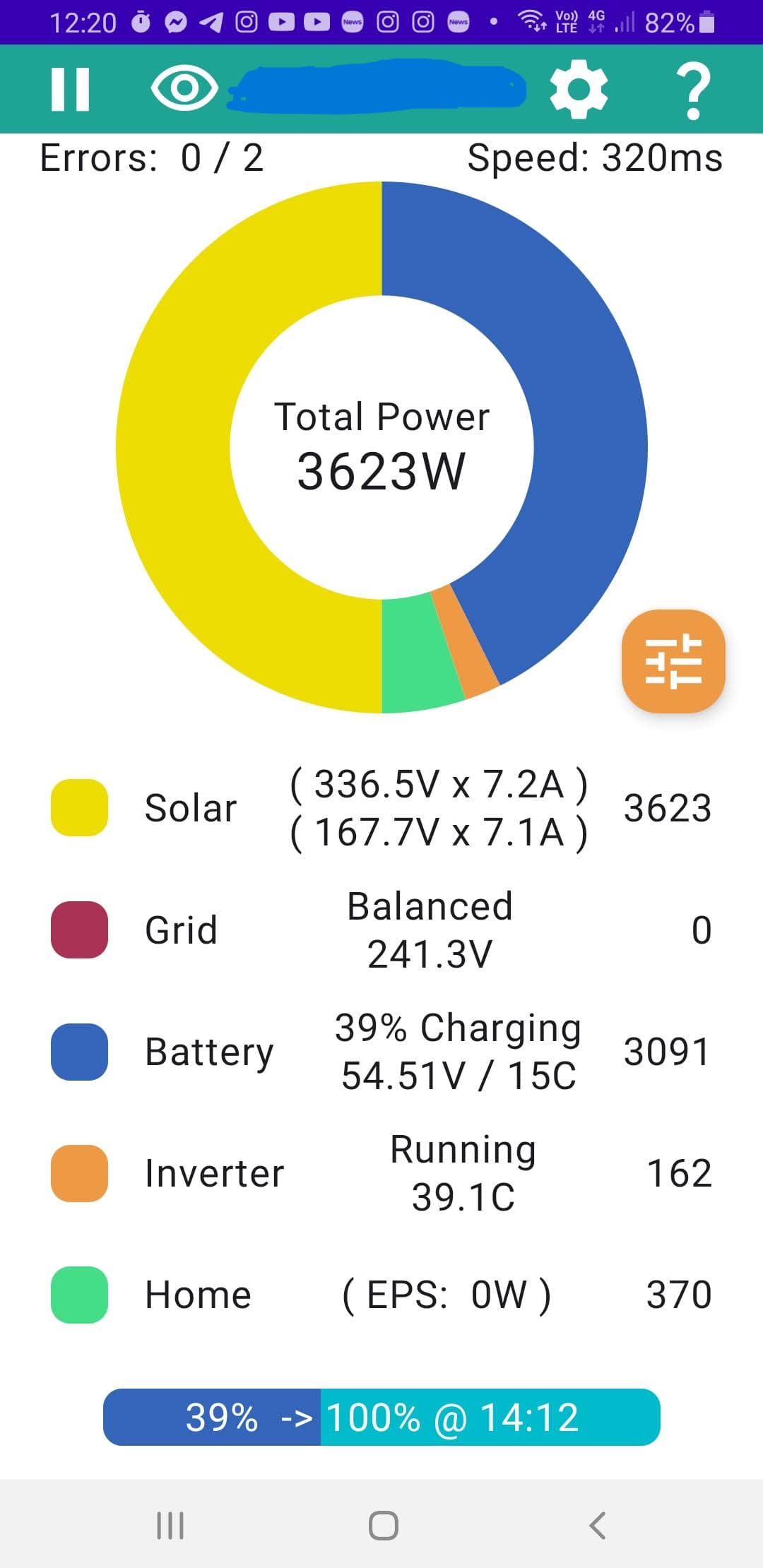
On Android, I couldn’t see it but found a different one written for GivEnergy Inverters. That connected straight away with the IP. It polls every 10s and sometimes reports an error but carries on. Sometimes when it errors, it never recovers. Closing and restarting the app gets it going again. I’ve not run it for long but right now after 10 minutes it’s reporting 14 errors out of 68 polls.
that’s the RubikCube Android app, (if working) you can use it to control multiple charging schedules and see your battery cell health, which you can’t do in the givenergy app
does rather sound like its firmware or dongle firmware related. Unfortunately need givenergy to resolve or advise what the fix is
If you go into the settings of the Android Monitor for GivEnergy Inverter app and scroll down - you can set the Persistent option to on. The app should then connect and stay connected permanently to your inverter. You can also turn on the Collect Stats option it will request data from the inverter regularly. It’s best to do this on a phone or tablet that you can leave at home with a mains connection. For a one off fee off £10 you can also use the app to control your inverter. It can also display any errors that that the inverter encounters.
Just to report that I may have solved the problem while trying to sort out a different one. It may just be a coincidence but for 24hrs my App and GivTCP have been solid.
I logged on to the Inverter and changed the Hostname in the STA Interface Settings page such that it was NOT the serial number. This meant it was now different from the Network Name (SSID) in the AP Interface Settings page.
After doing that, the connection became possible and stable.