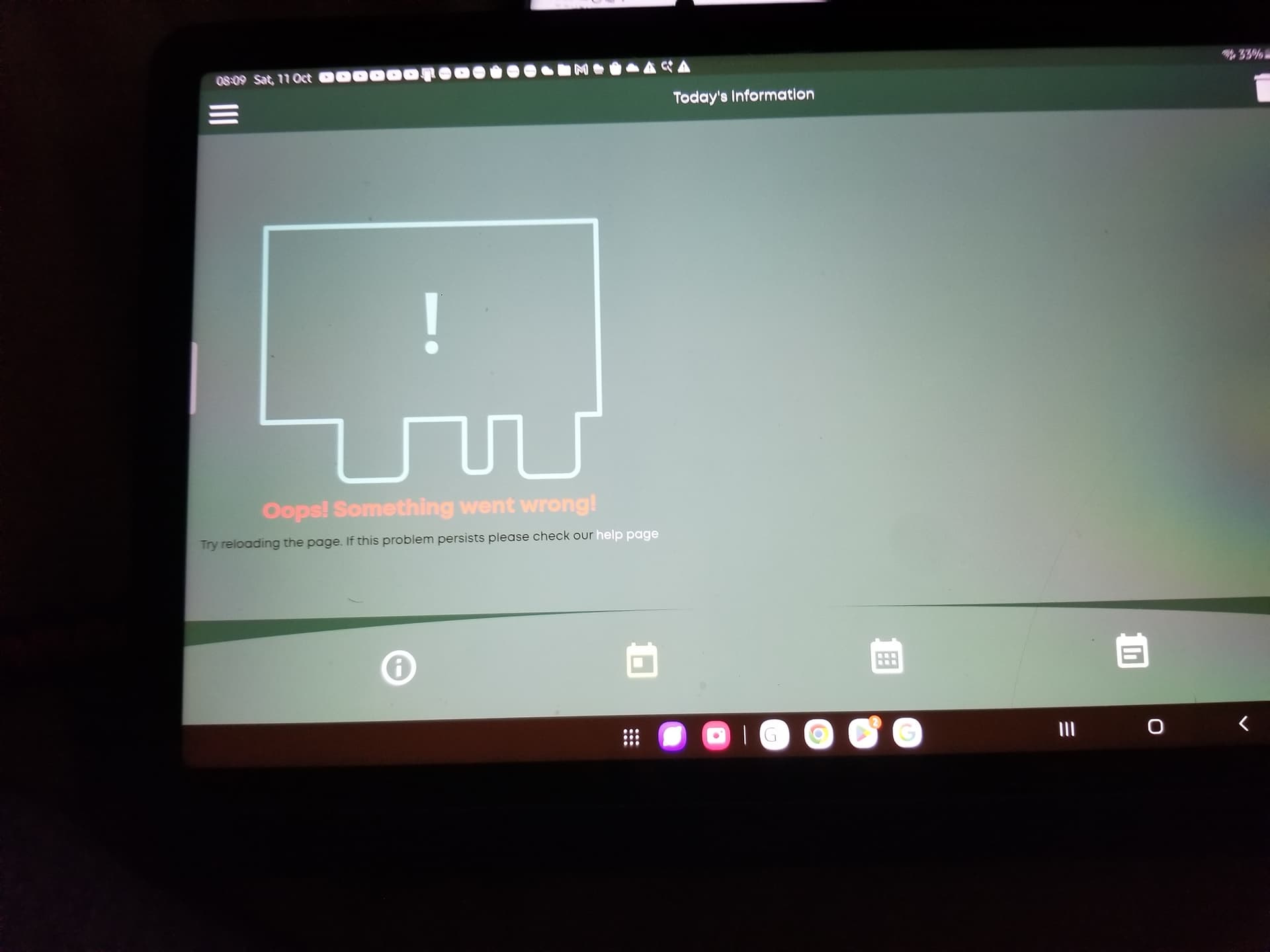
Using the cloud portal I cannot see anywhere to set up the smart tariff I am using. There was a section on the GivEnergy app but that won’t work either. The reports show a section for smart tariff , but how do I input the tariff figures to generate the reports. Frustrating so looking for advice.
2 Likes
I just went into the smart tariff and put in my tariff details!
But i dont think it takes in the daily standard charge!
In the GE cloud:-
- Select Account Settings
- Scroll down and fill in the Update Electric Meter information
- Click on Manage Account Security (top right)
- Go to Manage API Keys and put in (your supplier) api key.
1 Like
not with Octopus energy, will I need the api from EDF Energy?
2 Likes
Yes the api key from your supplier 

1 Like
I’ve tried Davebo1’s solution but I can only generate an API token, there’s nowhere to not a supplier API.
(My system has been fine for over a year but a 2nd AIO installation last Thursday& updated software means I’ve now got no batteries & no control over anything except the EV Charger.
I’ve also lost my smart tariff data, there’s an ‘auto’ setting but that means selecting a tariff from a list. Sadly my Eon tariff isn’t in the list of a single tariff!
1 Like