Hi, My gen 3 hybrid GV inverter is connected to network by WIFI and I would like to connect by ethernet a new cable connection to my 8 port switch and on to the router. Does this just require power off inverter and change dip switch settings to off on on on as in the installation manual? Is it best to have fixed IP address or just use the DCHP?
I will eventually have the EV charger connected by ethernet as keeps going off line on wifi but requires drilling through external walls.
Reserved is an IP assigned by the router to a MAC address
Static is set on the device itself announcing itself, even if something else is on that IP.
Static is a blunt tool, but useful for network devices themselves or hardware that needs addressability when DHCP fails (like a DHCP server…)
Reserved is a managed feature where you can assign devices to an IP centrally without having to go to each machine to assert an unique (hopefully) IP.
It’s also poor practice to have both DHCP and static addressing on the same subnet
Update: forgot to plug in at other end (74y old error). HF-A24 IP address is 192.168.1.242 and back on line Home and Away. (App settings -scan for inverter - finds IP address - tap icon next to IP and adds it to local monitoring.
Be aware that even if you do select an ethernet connection with the dip switches (which does allow it to connect by ethernet), GivEnergy’s firmware doesn’t work correctly and so all of the wifi radios cannot be shut off, and so once you disconnect from them to connect to ethernet they channel hop 24/7 trying to get a connection. For our smart home that was absolute havoc and constant wifi issues with other devices. We have now had the antennas removed, but the radios are still transmitting and still drawing power and the two rooms in the house that are closest to the GivEnergy equipment still have issues to this day. GivEnergy said they were going to fix it so that wifi would automatically shut off if not connected to…but it has almost been a year now…so…hmmm…
You seem to know your stuff about networking. Is it bad practice to use reserved IP and also set each reserved device to static (belt and braces)?
Also, if reserved IP is in use for the regular devices, how are new / temporary devices handled if DCHP is bad practice?
I keep it simple, on the basis that you don’t want multiple things meditating over what they think the IP address is. I reserve the IP address on the router and leave all devices on standard DHCP request.
The devices then ask for an IP and the router gives them the same (reserved/fixed) IP each time.
Then if you ever need to change its one place to make the change
I use a repeater to connect my inverter to the internet. This can be connected to via cable or WiFi. I use WiFi as I have a gen 1 hybrid inverter. The repeater connects to the router using WiFi. Also on the repeater I set up two Wifis so I could connect the inverter to 2.4GHz only. This has worked perfectly ever since.
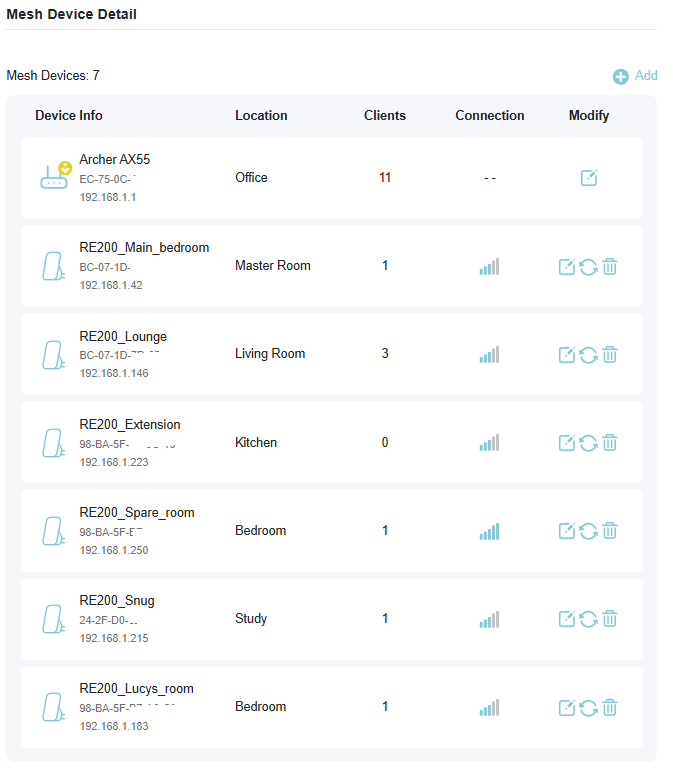
Mesh network here:
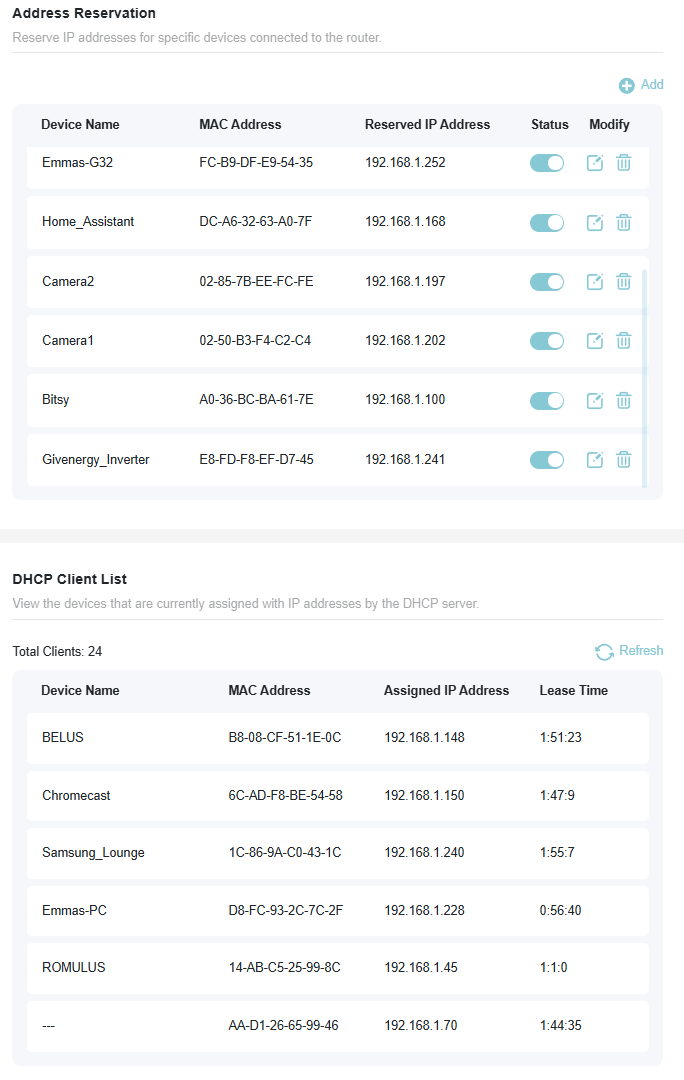
With a load of reserved IP’s
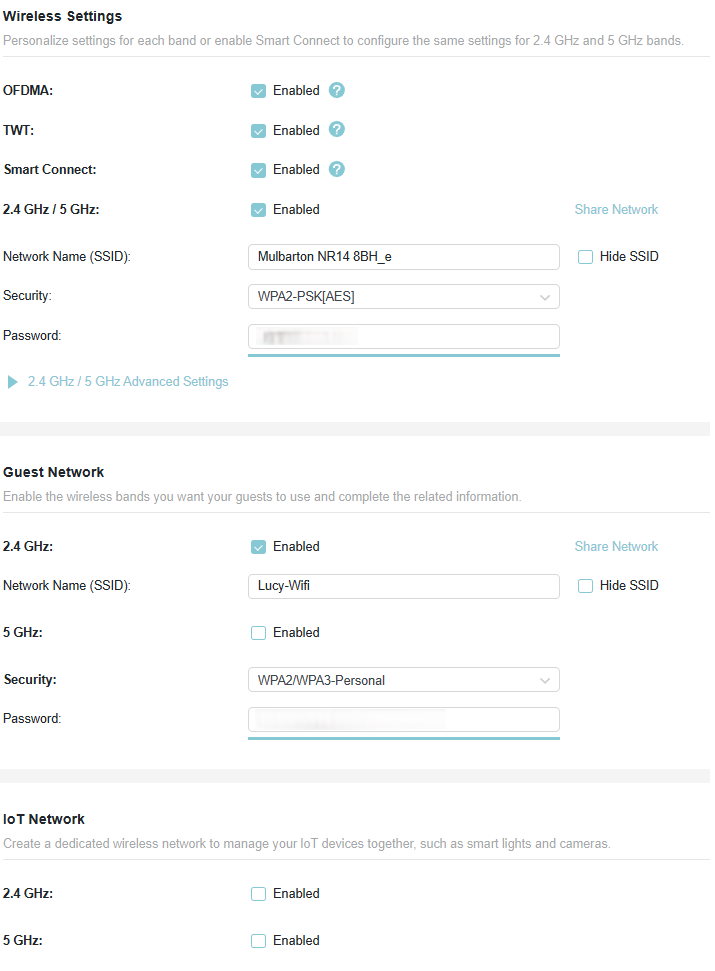
But not yet split everything out to their own SSid’s as this was a quick fix for a Vodafone powerhub that was causing issues:
I agree that’s generally easiest and will suit most people.
If you have enough network equipment (computers, printers, scanners, smart devices, for which you’d like to reserve addresses), you might find that your router’s DHCP Reservation Table only has so many slots and it is possible to run out of slots in the table.
Only reserve addresses for devices that you really want to have unchanging IP addresses, for example those you want to be able to connect into. For devices that you never connect into (e.g. phones, tablets and probably computers for many), it generally won’t matter if they are allocated an arbitrary IP address.
one of my inverters seems to have stopped broadcasting a wifi network - so I will need to connect an ethernet cable to it to get talking to it. Did anyone get it working? Any tips and tricks?
Or power down the entire system and power it back up again.
If built in WiFi I think you can access it with a USB cable (probably hidden behind a panel). You need a cable thats got the same end on both ends (if that makes sense - e.g. the port on the inverter is the same as the port on a computer).
Switching to ethernet is also possible, but don’t forget to change the dip switches as mentioned above, power the system off, wait a few minutes for all lights to go out, then power it all back on again.