If you click on the Hamburger icon, settings, local monitoring, that’s where you can scan and save or enter your IP addresses for Home mode.
You don’t need to be on the 2.4GHz wifi the same as your dongle is, but it needs to be the same network. Possibly if your router separates the 2.4 and 5 with different SSID’s and IP ranges then you would have to, but you just need your phone on the same IP address range so it can route directly to the inverter. My phone is 5GHz connected and works fine
Hi Geoffrey,
Thanks - yes that’s all working fine in terms of it sees my inverter and the correct address.
But on my App I no longer have the tab to try connecting locally. And I can’t see any setting to get it back.
My router doesn’t seem to have separate SSIDs etc but it was just something I was asked to try (being on 2.4GHz) … and same node of the mesh.
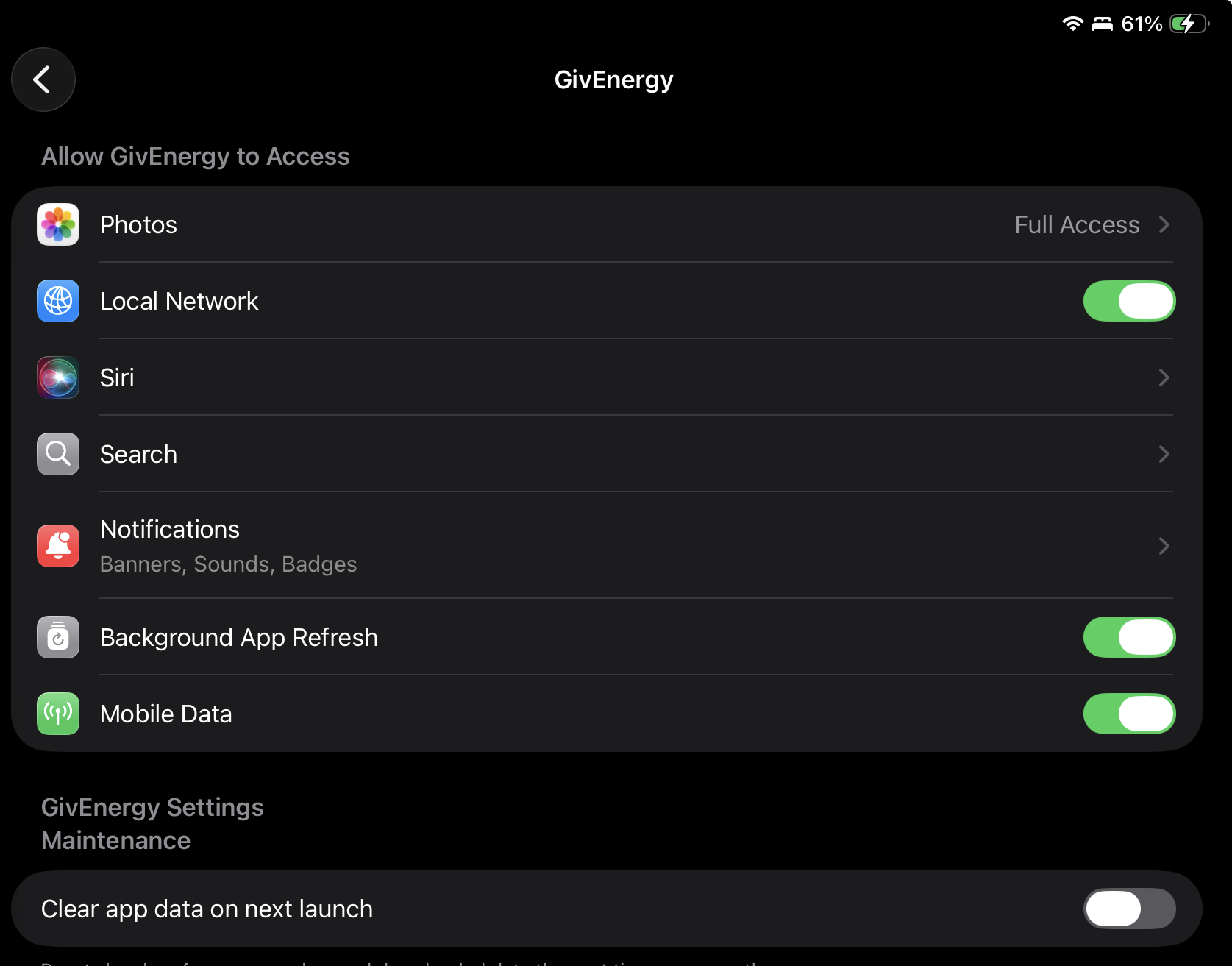
I have seen similar I think before, if you go into the givenergy app settings it needs to have local network turned on
I think it asks for this when you first run the app.
I have a recollection (from the other forum) that some people don’t have this option, and there seemingly being no way to persuade iOS to re-ask the permission question. Got a feeling that uninstalling and reinstalling the app didn’t fix it either. Bit of a weird one.
I am on android and don’t have such a setting… I assumed there would be a setting in the GE App saying ‘offer Local connection’ or similar?
that’s your fault then, using Android !
can you look at the equivalent app permission settings in Android, is there a way to grant the app local network access?
I’ve given it full network access (and rebooted app) and still don’t have the local tab…