Thought I’d pass on my recent experience of an inverter (HY5.0 Gen3) failure and fix.
I did a firmware update a few days ago from the portal, it failed half way through with an error relating to battery firmware failing to install, which I think was a red herring as the last message in the log was about updating the “dongle” before it went for an inverter reboot.
From that point on my inverter could not communicate with the cloud or locally at all. I followed all the advice I could find on the forums, GivEnergy support videos and even chatting to AI. Resetting the onboard wifi dongle etc just would not bring it back online.
In the end I found a company “Solar Tech Support” - the engineer diagnosed that there’s an internal FAT formatted drive inside the inverter, you can only get to when the inverter is switched off and you connect to via a USB A-A cable to your PC. That drive when connected needed to be reformatted (use the same format it is already FAT) and place a file MSN.txt containing just the internal dongle serial number (see sticker on the side of your inverter) - then power up the inverter using the correct sequence and bingo all sorted and back online.
I think that this kind of error is quite rare - but good to know there are other independent solar support companies out there that know their stuff! I was in a real panic there for a while.
well done for sorting it out, and good to find that there are companies that are providing support to givenergy customers
the msn.txt file is what’s used to tell the portal what the inverter serial number is, so if you ever replace the dongle then this needs to be copied across to a new dongle
I think moral of the story is to not upgrade your inverter firmware given that there is no givenergy support, if it goes wrong you could be very stuffed. Lucky you were able to get it resolved
I’m having a similar issue to this - My web portal is no longer recognising my inverter handshake and I get XXX instead of the correct number - But I have an AIO - when I goto connect
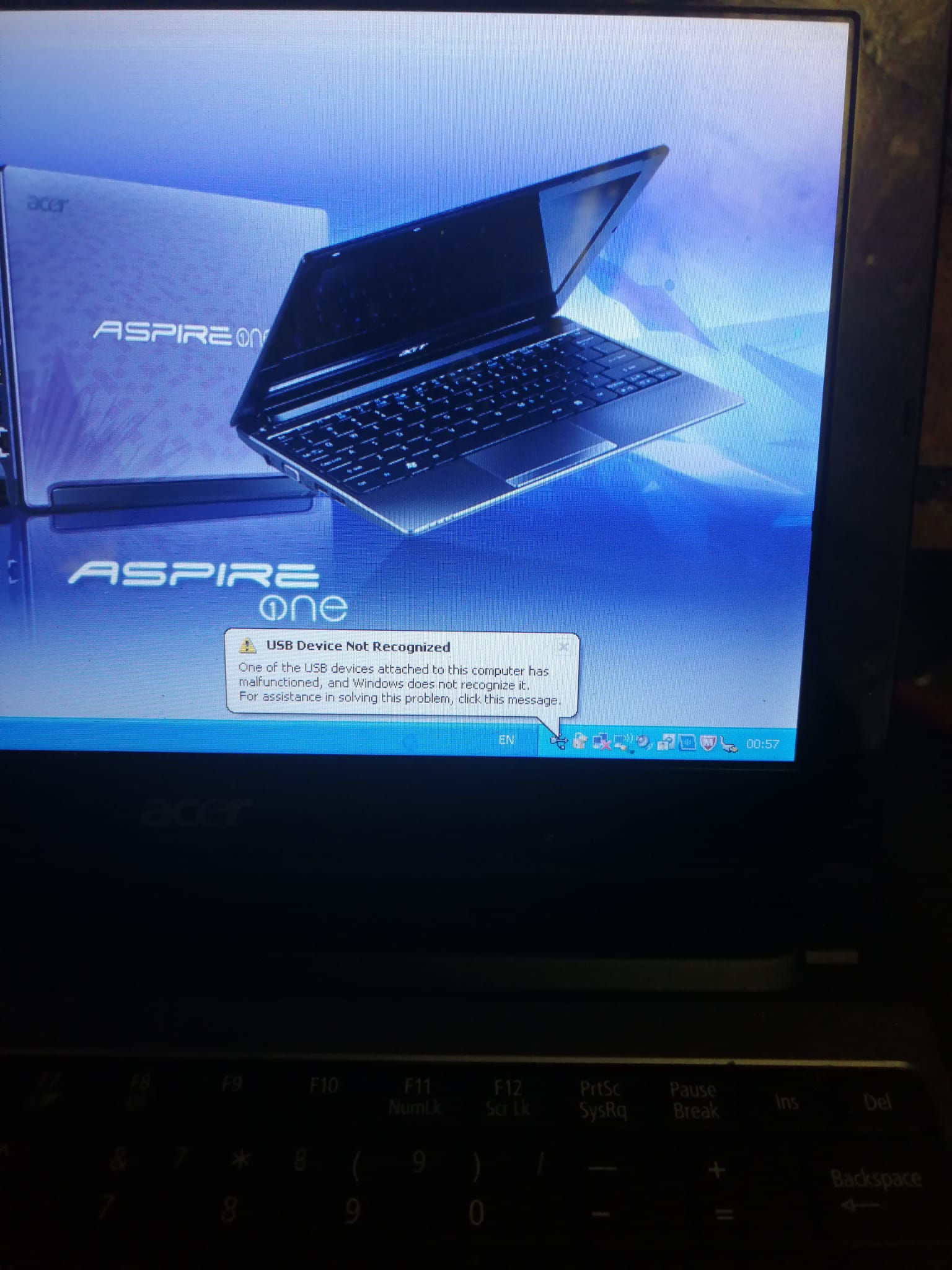
my Laptop to the USB internally (Not the external one) I cant connect says USB not recognised. I was hopeful that I had the same issue and had found the answer but I cant get to the file structure on the AIO - well I’m not sure how ?
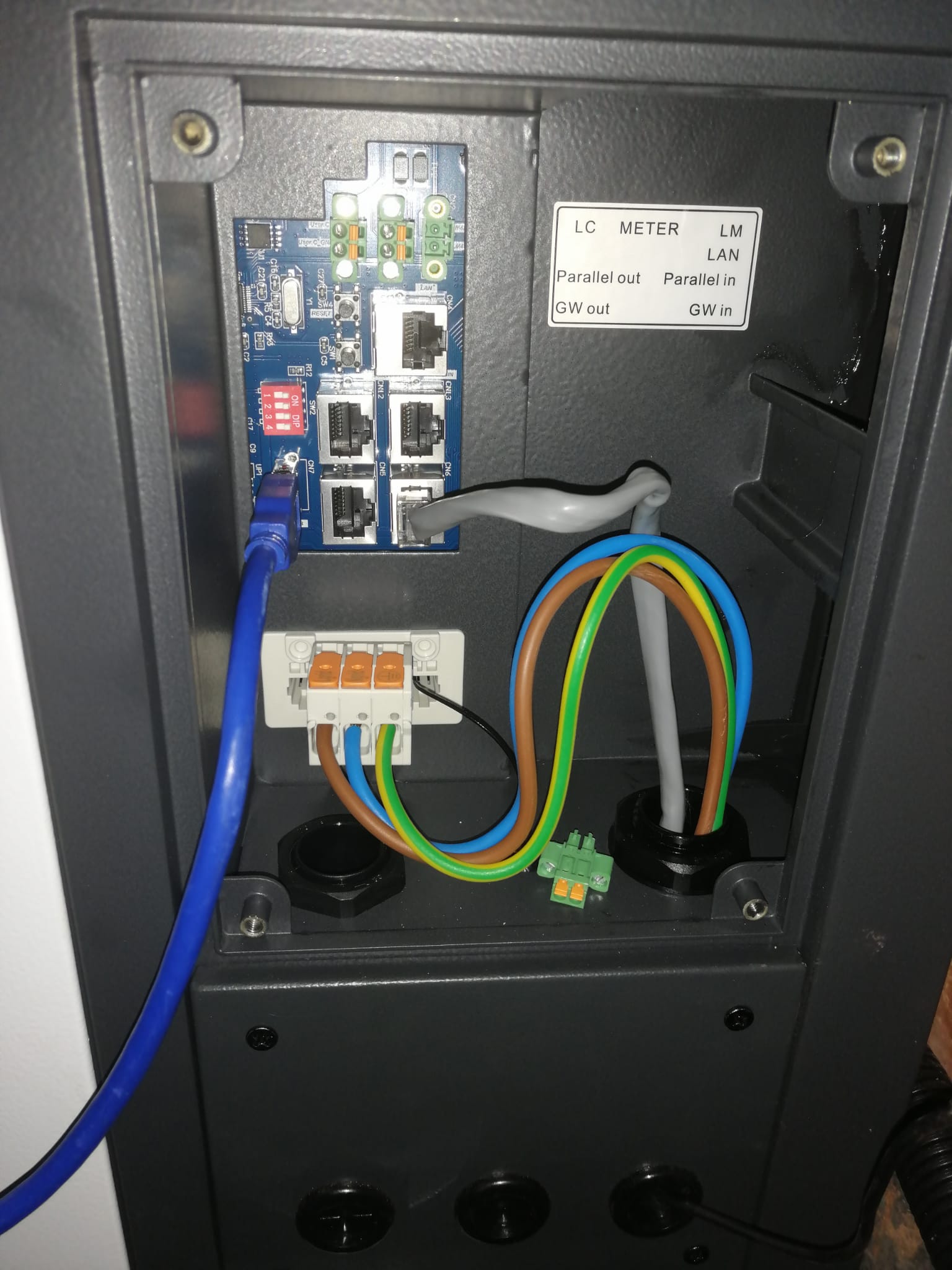
What is the dip switch set up is it the red section - anyone know if this will be why the USB is not recognised ? I’m scaled to just flip switch’s ?
On my HY5.0 Gen 3 inverter - it had to be powered off completely (dark led’s) for the USB to connect - my dip switches were in the “wifi” position, same as yours are I think. When it’s powered I saw the same kind of message you are seeing.
The other good trouble shooting test is to connect that PC to the GivEnergy dongle’s wifi and test you can reach the internet - this proves the wifi dongles connection through your home internet/wifi is working ok.
That worked - I can see the MSM file and it matches the seriel on the side of my inverter. I can also see and reboot change all the setting on my wifi connection to the dongle on the AIO. The serials match. But I still can’t connect to my Inverters through the App or the Webportal. Both are registered and I can see them on the portal. But they are marked as off line. Ive tried re-booting and they still dont show as connected - Ive logged off and logged back on too.
I can connect my Laptop through LAN and through wifi and see the settings on 10.10.100.254. But I still cant get them to show up?