Following a poor installation (3 visits and heavy GivEnergy unout) my Gateway seemed to work (Oct ‘24). However today had first power cut and nothing, everything dead. Any ideas ?
So the first thing is to go to the GE cloud.
Inverter settings (cog at the end of either the AIO or GW)
Scroll down and ensure EPS is turned on
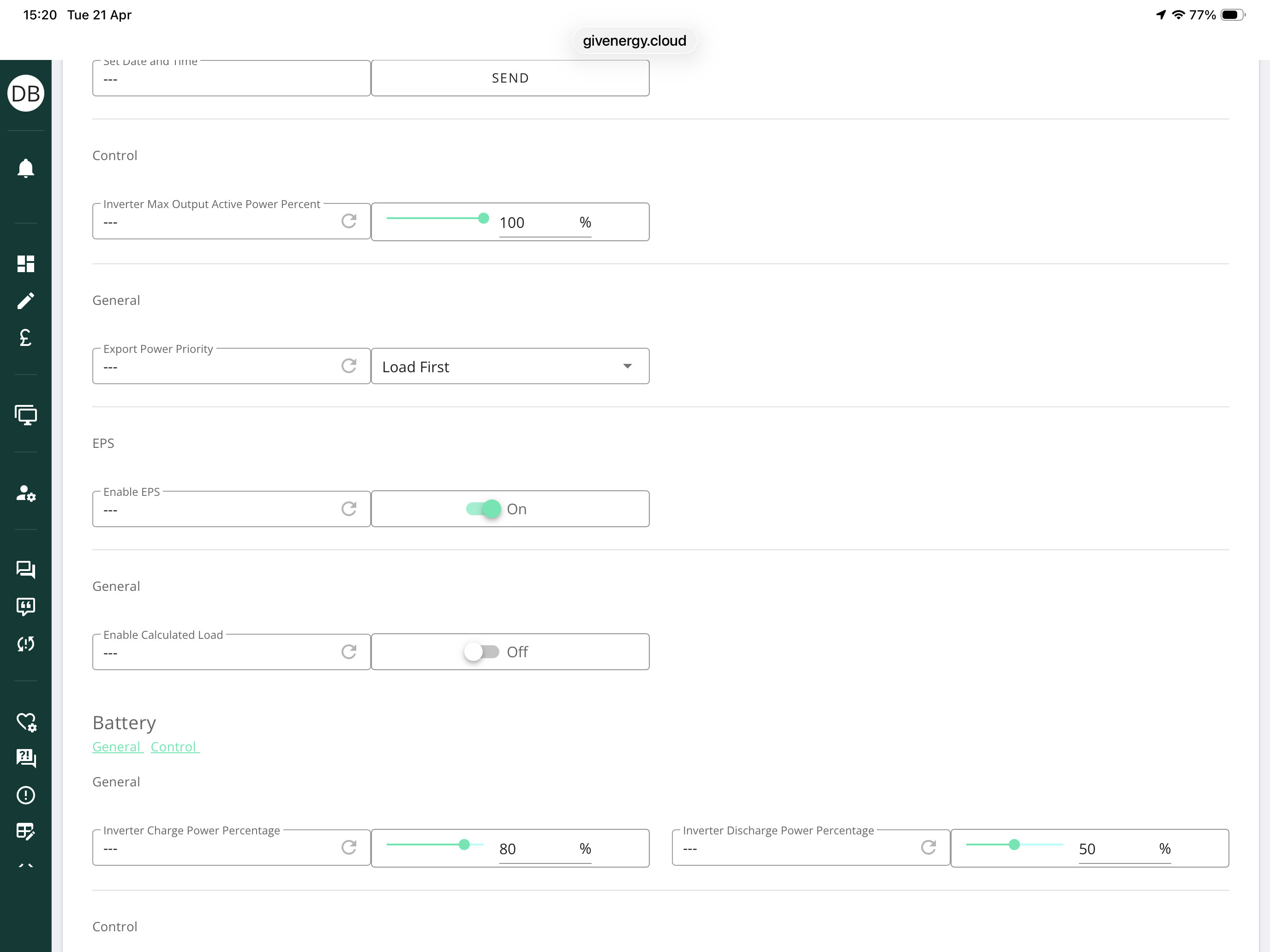
Thanks for the reply. I’ve check the AiO and EPS is enabled, can’t see an option on the GW.
So the only thing now is to either try and contact GE Software via the new email and ask them to check if the EPS has been set up correctly when your installer commissioned the system. They can also reduce the time the EPS kicks in.
Please do that today as things may change after the 1st May (not clear yet)
The second thing would be to contact your installer as he has different access to the system via the installer app. He can set the EPS settings etc locally.