Having finally go t everything working nicely in ECO mode over several weeks, with timed battery charge 2 am to 5 am ,I found this morning that 2 am had been changed to midnight without any intervention by me. Has anyone else experienced a similar problem?
Hi, if you go to the GivEnergy cloud and click ‘My Inverter’ on the left hand toolbar then click the cog icon near the top right of the screen it should open the remote control page. Click the ‘Jump to Logs’ button at the top left of the screen. Check the logs, there should be a record of who changed the time and how it was changed.
If you use Winter Battery Conditioning or the Smart Tariff card these may change it if your charge is set up in slot one.
if the battery gets very cold and winter battery conditioning kicks in then as you say, slot 1 is used for this
to avoid any conflicts with your own charging schedule, simply program your own schedule in slot 2
That sounds like a really important piece of advice! Why doesn’t the portal settings page have that in big letters above Slot 1?
I have followed your advice thank you very much. According to the log I made the change but I know that I didn’t. Anyway I have added a second charge time in the second slot to see if that prevents unwanted changes.. Will see if that works,

Hi, if you haven’t already, set the first slot start and end times to 00:00. I never use the quick settings buttons in the app and have the option turned off.
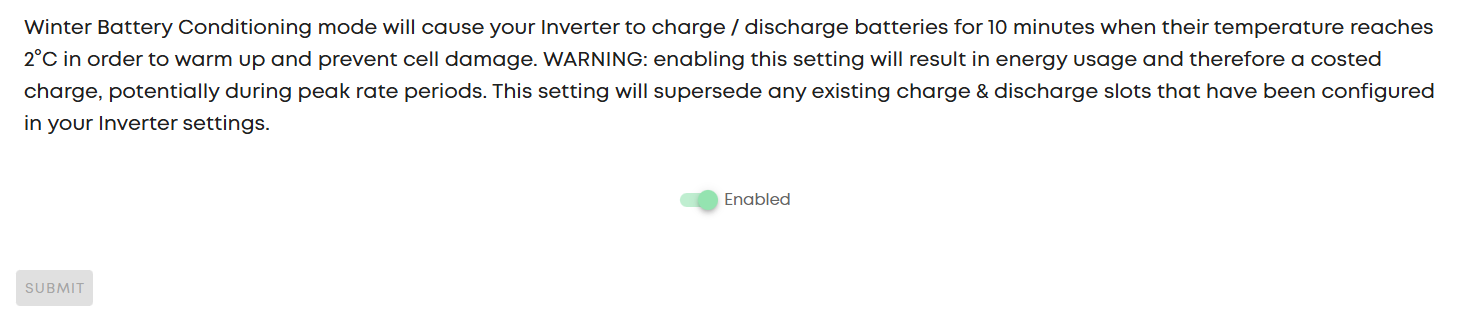
This setting will supersede any existing charge & discharge slots that have been configured in your Inverter settings.
Well that’s a bit cryptic. It should, if Geoffrey is correct, warn that slot 1 should not be used by the end user. In fact it sounds like ALL slots are likely to be overwritten.
Yes, it’s for slot 1’s, some earlier inverters only has slot 1 so that what it uses for all