I had an issue following the update to 3020 firmware where my inverter was stuck showing my battery soc as 100% regardless of the actual battery states. The system refused to AC charge as it believed it was full. Multiple restarts, calibrations and messages to the support team did not resolve this. I finally plucked up the courage to do a full shutdown and reboot of the hardware. To my great relief this seemed to have resolved the issue. Everything looked and acted normally again.
Until the sun shines today that is. As soon as my batteries got to 100% from the solar input they got stuck at 100% again. I was drawing 2.5kw from them for 30 minutes, the individual battery indicators showed 92% and 90% respectively, but the inverter is still stubbornly showing 100%.
I do not want to be crawling about my attic manually rebooting my system every day. What is causing this behaviour and what can be done to resolve it?
I have this problem too. The batteries went to 100% while charging from solar, and stayed at 100% despite 1hr of forced discharge at 2.7kW . I simply stopped trying to force charge and force discharge my battery which eventually totally discharged naturally (took 4 days), and then went in an instant from 100% to 0% (???). I then reinstated my forced charge during the off-peak period from OE … and all has been well since. I too have firmware 3020
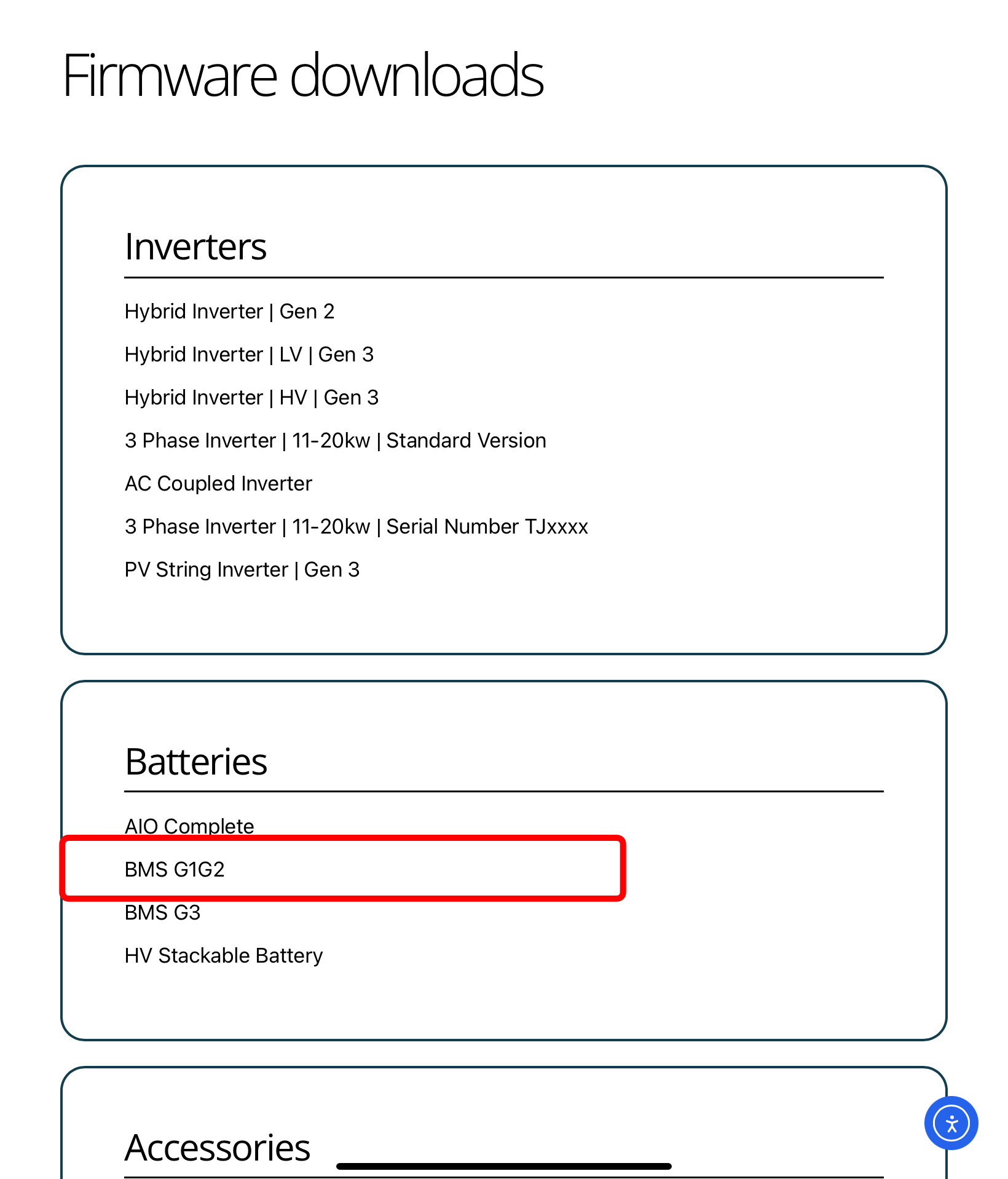
I suspect that an upgrade to the current firmware of 3022 might be the answer but
every new firmware update comes with problems and the general advice is not to update
battery firmware updates can only be done by support personnel and just at the moment is is impossible to contact support (phone lines down, no replies to email and nobody responding to WhatsApp live chat … too busy)
I have been running BMS3022 for a while now. It has fixed an overcharging problem I had with all versions up to BMS3020, so I’m happy to recommend updating from BMS3020 to BMS3022. I never had the issue of sticking at 100% that others are reporting, but I’d say it’s worth a try as the changelogs do suggest that work in this area has been carried out.
Thank you, that is really helpful. All I need to do now is be able to contact support! … and I have just discovered that their support phone lines are down until 15/8 … and they have been down now for 3 weeks! … which is a little frustrating
Just had a similar issue, I was playing around with the new smart tariff tile. The Holiday settings as not seen that before.
Symptoms for me,
Battery would charge from Solar
Battery would export to grid.
Battery would NOT support the house so taking from grid when not enough solar.
What seems to have happened was I changed the smart tariff settings particularly the holiday settings.
But I believe I changed to many setting to quickly and some charge settings were left behind.
I rebooted the inverter but didnt seem to fix.
It appears that the inverter was charging from grid and if I remember correctly when charging from grid the battery is paused but will charge from solar.
Fix for me.
I removed all the charges set in remote control but I would imagine that setting the defaults would have done the same.
So for me it was a miss configured charge with a problem with the start and end times.
I had not changed any of the charge times but there is a remote chance that the charge setting were there the last time I scheduled a manual charge.
I use the smart tariff tile it seems to work for me.
I have tested a few times with the kettle to force load above solar generation. Its now working as expected.
Check these basic setting as they have massive impact on the functionality of the inverter
Everyone or anyone that sees this its what fixed my issues so check these settings.
Thank you Willy I now have the firmware file. I may delay deploying it until the support phone lines are back up, although it does look like an answer.