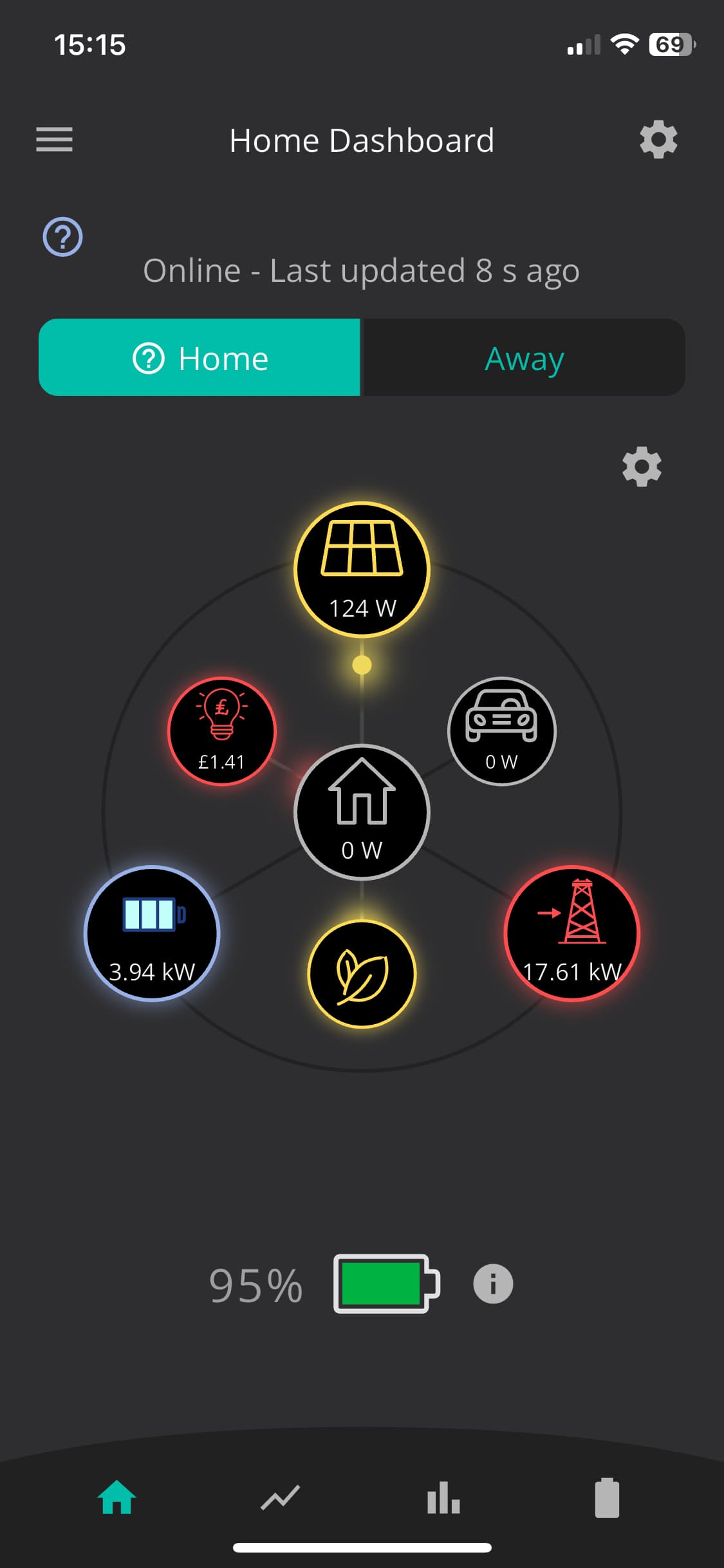
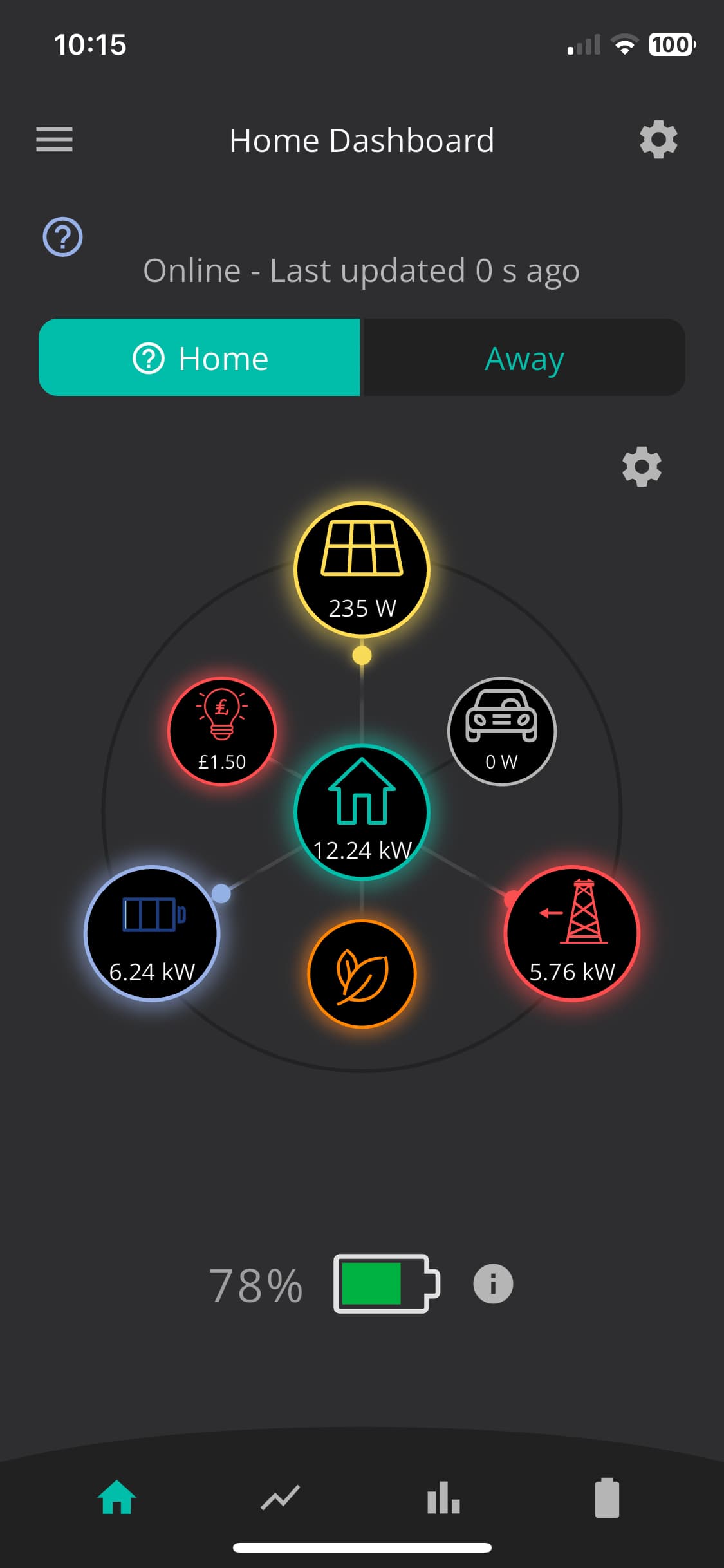
After the latest firmware update to our AIO (.13) and Gateway (.10), the app reports that the house is using a colossal 13kW and the battery is discharging to the house and also 6kW from the grid but the house is only pulling around 600w… basically nothing is on in the house that could possibly pull that much. Also it thinks Im generating far more from the solar panels than I am… I’ve checked both units are online and rebooted the AIO and Gateway (gateway says timed out but clearly has rebooted…). What on earth is the system doing??? I’ve logged out of the app, deleted it and reinstalled/singed in but I see the same impossible result…
Yes I see the same impossible readings, if it is running up a huge bill as a result of buggy software, I will expect to be compensated really as this has been going on for days with constant huge power draw from the grid and the battery appears to be just sending its output back to the grid which of course is stupid… please investigate urgently. At the moment it is giving completely stupid readings on both app and portal….basically it is saying I am using 17kW when nothing apart from the fridge etc. is on and the grid is supplying over 17kW……which can’t be right but until I get this on the bill I will not know……have emailed support yesterday but nothing yet from them.
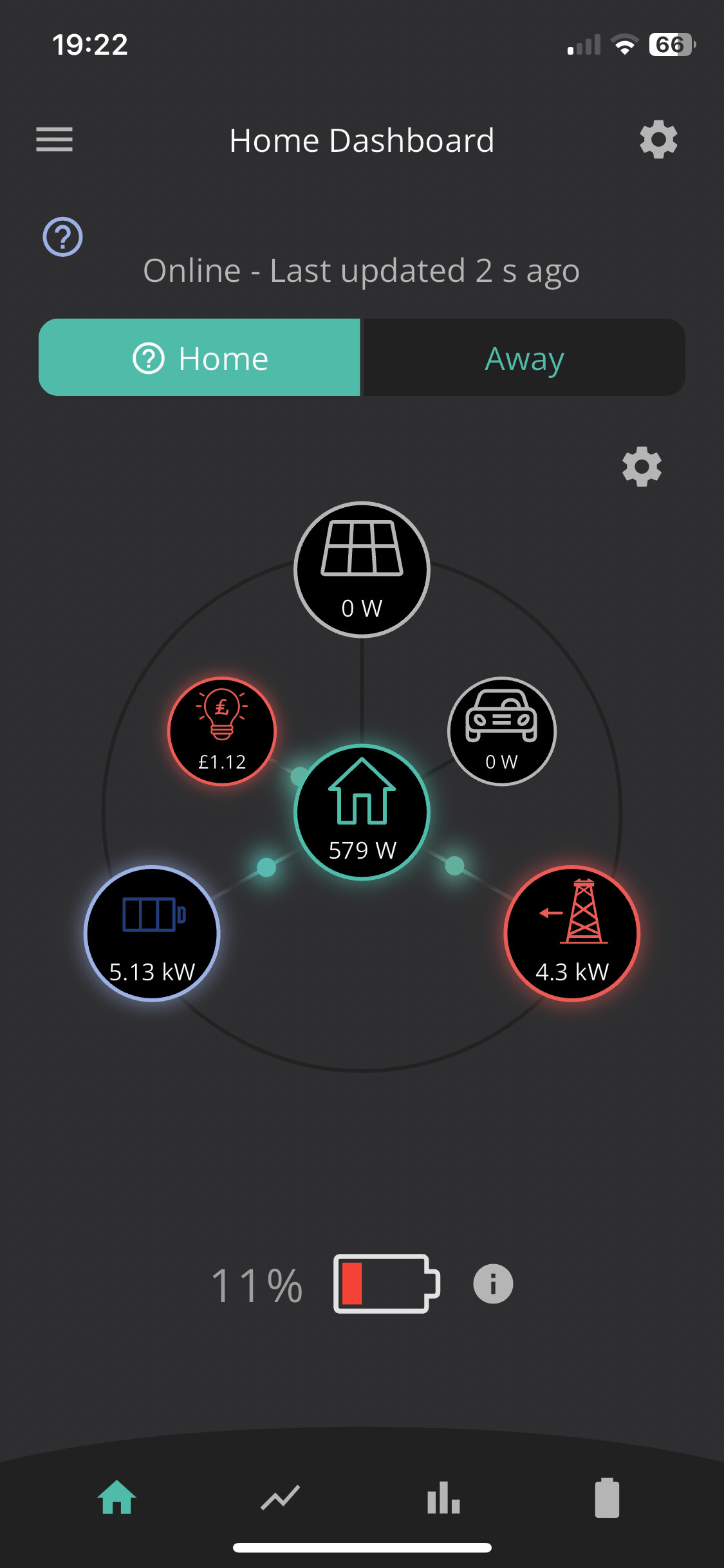
This is what is happening now…… the reading for house consumption is correct but just where 10kW of battery and grid are going is the issue…… was absolutely fine until it updated so definitely buggy firmware release.
Yep that makes sense but jeez, you would think that bug would have been spotted before release!
I’ll call support in a bit and get it sorted, I did email them days ago but as yet. no repsonse…
Just an update, you cannot call giv support anymore, just email, 2 weeks later I have not had a response which isn’t good. Whats going on, it seems like a simple fix if I caould actually speak to someone?
Yep, I should say that it wasn’t the firmware that changed the polarity of the CT, it was the fact that previous firmware didn’t look for it so not the installer fault. New firmware looks for it and it’s 50/50 if it sees the thing the right way round. Simple fix and peace and tranquility is restored. Hopefully my
octopus Bill this month is normal!
Just thought I’d post my experience here, in case this helps anyone else in the future given that the GE support appears to be less responsive than it used to be.
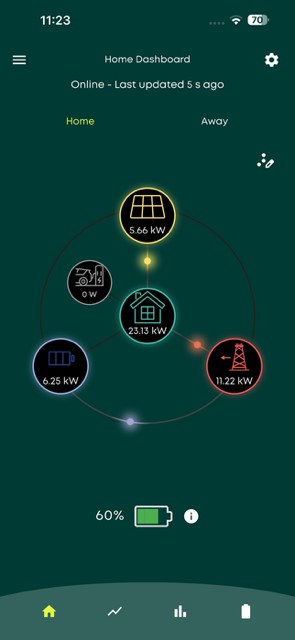
This week I had similar issue to the OP after doing my first firmware update to the AIO and Gateway since they were installed in summer 2024. Both of which had been working perfectly until the update. Since the update I was getting completely spurious data from the cloud portal and via the app, see below screenshot.
Exported energy was showing as imported but thankfully with across check with the Octopus live data I knew I was exporting not importing, it was just the portal and app that were giving false readings.
Every time turned the battery onto Eco it completely emptied at full power to the grid without being scheduled to do so, which was showing as import. So I turned it off for a week whilst I tried to work out how to fix it.
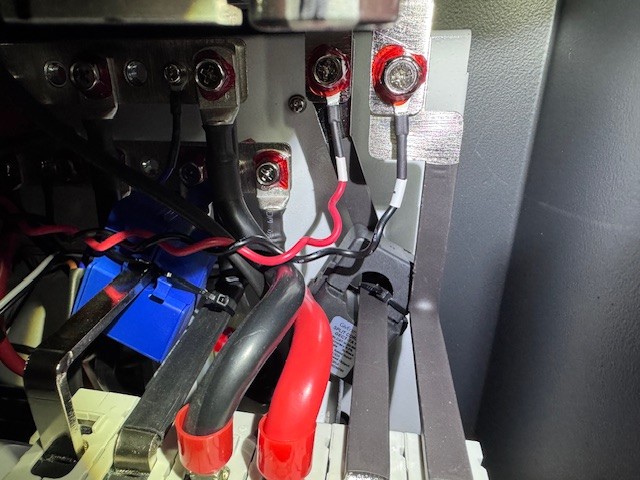
Having found this thread, I ended up opening the Gateway to locate the CT clamps three of which are inside the GIV-GW. I isolated everything and set out rotating the two CT clamps to the LOAD (blue) and GRID (black) which are to the right hand side of the busbar.
This wasn’t and easy task as access is very tight and the CT clamps are zip tied in place and the cables are also zip tied to the rear of the GW. With perseverance I managed to do it and turned it all back on and everything is back to normal on the portal and app.
I can only assume that the CT clamps are factory fitted by the way they were installed and secured. Hopefully this will help someone else if and when they encounter the same problem after a firmware update.
Thanks to the OP for following up this thread with the solution that worked for him, as that’s what gave me the idea to attempt this as a trial and error solution.
Cant help thinking about those that have the GE kit that don’t have the ability to do this when things go wrong.
Good luck to the future GE users that need to do this.
Ant
I thought that might be the case but given your issue was over a year ago and I haven’t heard anything from my support ticket raised about this and after reading what I have about their support and redundancies in recent times (see Reddit and EV Man (Andy) I didn’t hold much hope for a response so worked it out myself.
Hopefully GE pull this slide out from the gutter so we aren’t all left in the lurch in the future.
I have notice the timed export from the AIO doesn’t seem to be working but that’s beyond me at this point unless anyone else knows more about that.