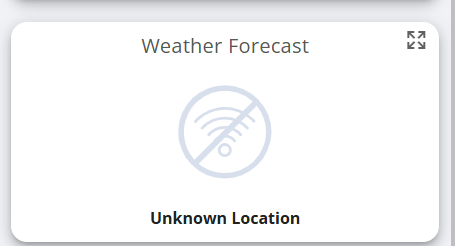
Just had new panels and a battery installed last week. Have noticed the Weather Forecast card on the cloud dashboard is not showing any weather data, it just has a wireless symbol with a line through it and below that it says unknown location. Is there a setting I need to change to get this working? I’ve had a search and can’t find anything obvious.
Hi, have you checked your Account Settings to make sure that your address and postcode are correct. I can’t think of anything else that it would get the location information from.
Are you using a desktop device such as a PC or Mac? The crossed out WiFi icon makes me think the problem might be due to the device you are using to access the portal doesn’t have WiFi turned on. Desktop devices typically don’t have GPS so they use the WiFi networks they can ‘see’ as guide to where they are (using WiFi SSIDs harvested by e.g. Google Streetview vans/cars/bikes). So when the portal asks the browser for its location, if the device’s WiFi is turned off then that information isn’t available. (I know that if I turn off WiFi on my Mac, Google Maps running in a browser can’t locate me.)
A browser running on a smartphone or tablet would use the mobile device’s location service which will be based on GPS (augmented by WiFi SSID tracking and other clues that mobile devices can call upon to determine their location).
Or it could just be that you haven’t told them your address…but why that would show the crossed out WiFi icon I honestly can’t imagine.
The flaw in my theory is, of course, that if you were away from home then the portal would show you the weather for where you were, not where the inverter was. Which I imagine wouldn’t be particularly helpful.
I’m using my home and office PCs to access the cloud but have also tried from my iPhone while at home and in the office and still get the same unknown location. My postcode and address are present and correct in the Account Settings. I tried updating the details to a different postcode and address but that didn’t help.
It must get the location from somewhere and if not the accounts settings then perhaps the wireless dongle in the inverter? It’s joined to my home wireless network and everything else in the portal is working ok so assume all is ok there.
It’s no big deal but I’ll trying contacting GivEnergy directly about it.
if you do find the answer , please let us know , we got set up yesterday and have the same issue with the Weather widget , i’ve tried all the Giv energy Youtube videos (well the ones that work ) and thats a cruel and unusual punishment i wouldnt wish on my worst enemy
I’ve still not had a response. Given what I’ve been reading about the current state of their support I imagine my ticket is the least of their concerns right now! If it’s not working for anyone now, as in new installs, then hopefully more people will be reporting it and it will get addressed at some point. Not holding my breath for a quick fix though.
I reported same problem back in August soon after my new installation, but despite reporting many time & scores of attempts to contact Givenergy Support stiil no reply :( Once I actually got as reply on WhatsApp from someone called Ashley, they said they would try & find out & come back to me but they never did :( Have to admit their after sales support seems to be non existent !
I only had my system installed last week and I have exactly the same issue. I cannot get the weather card to work no matter what I do. Is it just a matter of waiting for an update or should I log it with Givenergy support?
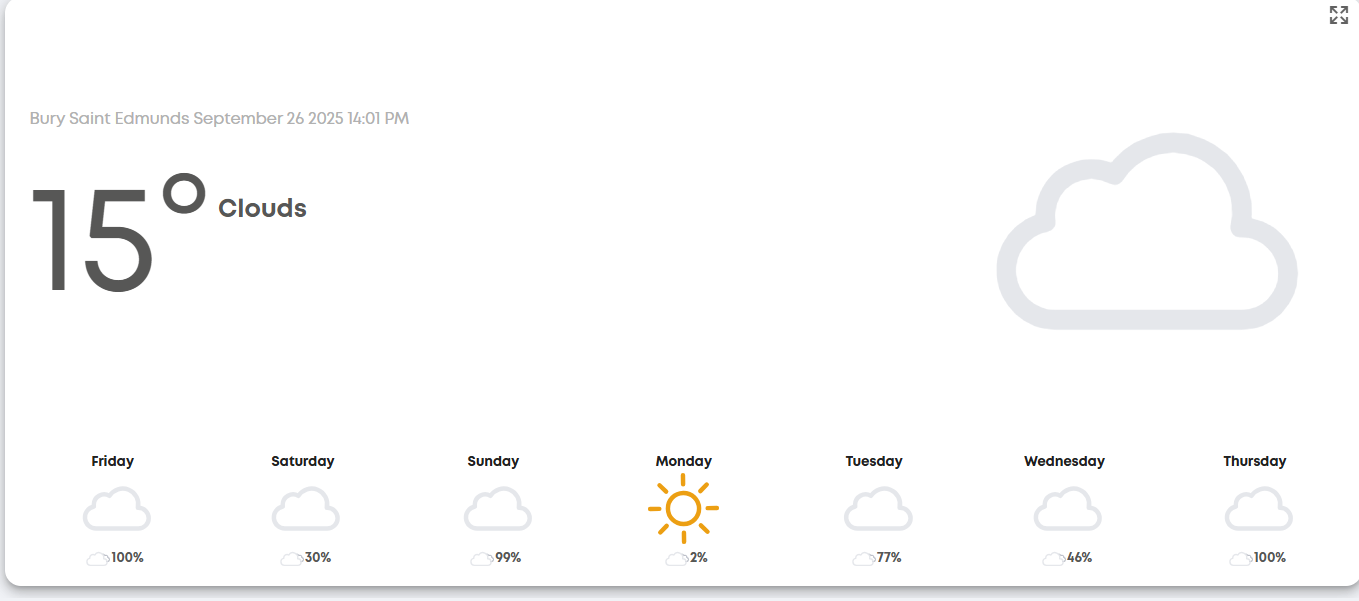
That’s odd. As others have reported the same thing I assumed it was a global issue that got fixed in that recent update from a few weeks ago. I’d log a support ticket with them but don’t expect a speedy response, if at all. I never got a reply to the ticket I logged, it just started working. Their support team seems to be overwhelmed and under resourced according to a lot of sources on the internet but it can’t hurt to log a ticket. You’d hope they are actually reading them and are aware of these problems.