Nope, it absolutely does not work. I’ve been nagging to get it fixed since I had my EVC installed.
2 Likes
Like I said, I created some of my own 
In the JSON payload for the charger, there are two attributes; “online” and “went_offline_at” which I’ve mapped to sensors in Home Assistant which tells if if the charger is online (that is, connected to the API and recognised as such by GivEnergy) and if not, what time it went offline.
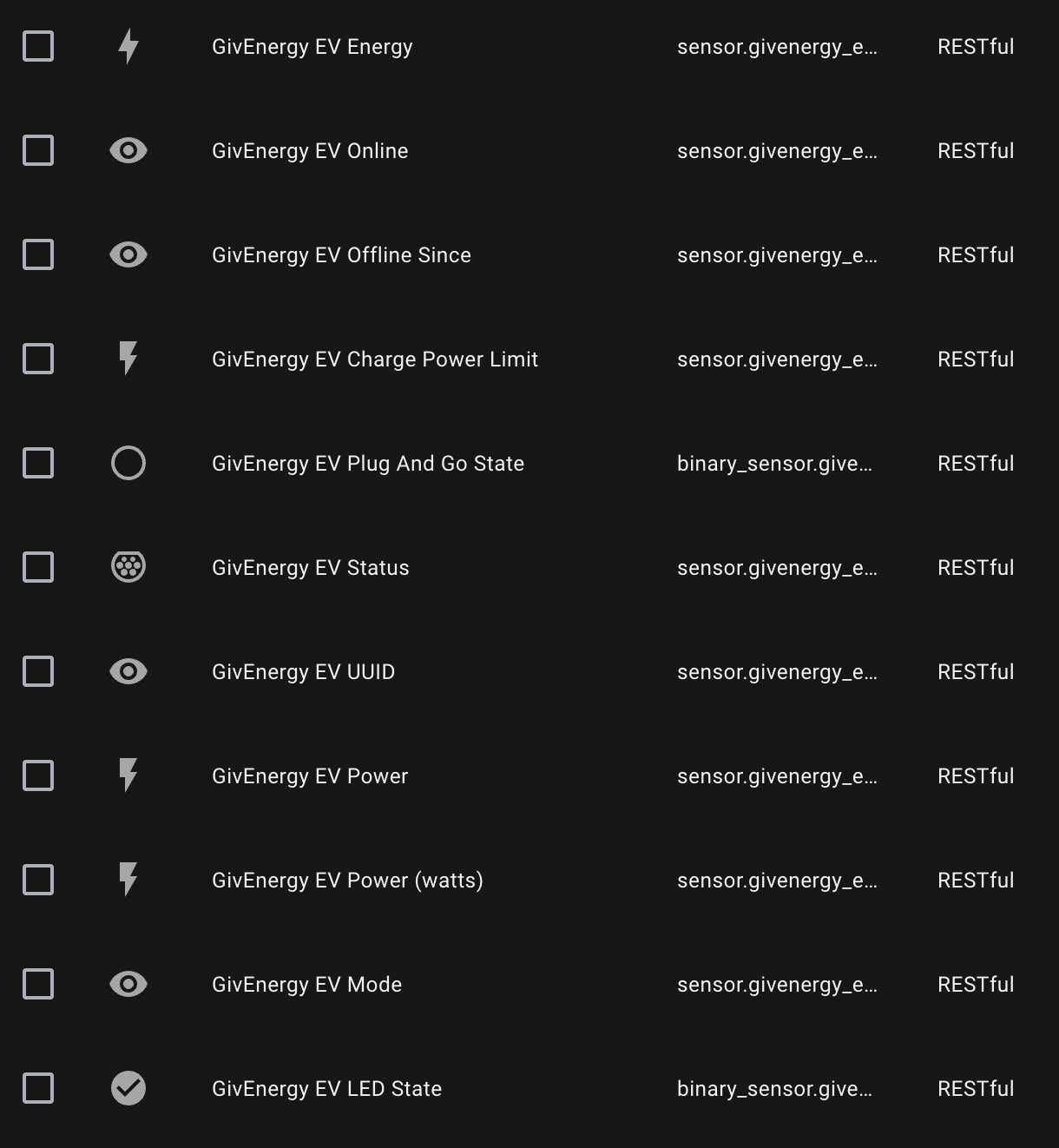
EDIT: I think some of your comments are missing screenshots as I presume you meant to show something here but I can’t see it.
2 Likes
Wow I am impressed, you have done well with the HA integrations. I have added one pic that I had forget, thanks for reminding me.
My only issue is the over voltage that takes out the EVC now and again. It either restarts or the red LED comes up and I have to restart it. This is a DNO issue.
I am now a bit stumped on why your issue is happening, if you have internet connection and it’s online in the GE Cloud, we know it works. When it goes offline in the cloud, it can only mean it has lost internet connectivity or the cloud is down? If it also lost network connectivity then this would explain it.
If it is still connected to your network, do you have any logs to look at? Can you see if there is anything going on? Don’t think it is a firewall issue as this is not a thing that works then does not then works. Have you set up anything special just for the EVC to connect to the internet? Or port config?
Does it only happen when NOT charging? Or charging? Or both?
Do you think it could be any HA integration?
Move the Ethernet cable to a different port on the switch?
1 Like
I have very similar issues - the EV charger goes offline ansd then never reconnects without being power cycled by the gateway - it would be great if the charger attempted to reconnect if it was offline for a perios (30 mins+) as its happened several times over the past month.
I also havent noted the LED colour when this happens but will check that next time
1 Like
fwiw - i also have the EV charger in Home assistant (via GivTCP / MQTT) but havent got logs of online / offline status right now
1 Like
I am now a bit stumped on why your issue is happening, if you have internet connection and it’s online in the GE Cloud, we know it works. When it goes offline in the cloud, it can only mean it has lost internet connectivity or the cloud is down? If it also lost network connectivity then this would explain it.
Yep, I’m stumped too as I’ve gone way beyond what your average customer should do to triage the issue. There are no internet outages correlating to the loss of connectivity and the Giv portal has no gaps in my data for my AIO so this is something very specific to the EVC and it’s certainly not unique (someone has joined the thread with a similar issue but I’d seen it reported elsewhere prior to me even getting mine installed).
If it is still connected to your network, do you have any logs to look at? Can you see if there is anything going on? Don’t think it is a firewall issue as this is not a thing that works then does not then works. Have you set up anything special just for the EVC to connect to the internet? Or port config?
There’s nothing to look at really, so far as my UniFi network is concerned, the device is connected. All of my Giv kit is on it’s own VLAN which only has access to the internet, it uses public DNS so there is no need for it to connect to anything locally, this makes it very easy to rule out something internal.
Does it only happen when NOT charging? Or charging? Or both?
I’ve seen it do both with no pattern to when it happens.
Do you think it could be any HA integration?
No.
The only time I control the charger is to tell it to charge at 00:30 and stop at 05:30 - between those times nothing happens between the EVC and HA.
Move the Ethernet cable to a different port on the switch?
Lots of reasons which I won’t bore you with why this won’t be the issue but let’s just say if there was a port issue there would be more than the EVC affected (my HY3 and GW share the same switch at the local end and the same switch port at the switch end).
2 Likes
Hi yah, it looks like your on the same planet as I am and looked at all the things I would do/suggested.
I am not saying this would change things but have you tried changing modes to Cloud control? See if it still looses connection?
As you have HA, do you have this entity? Keep an eye on this when you loose connection?
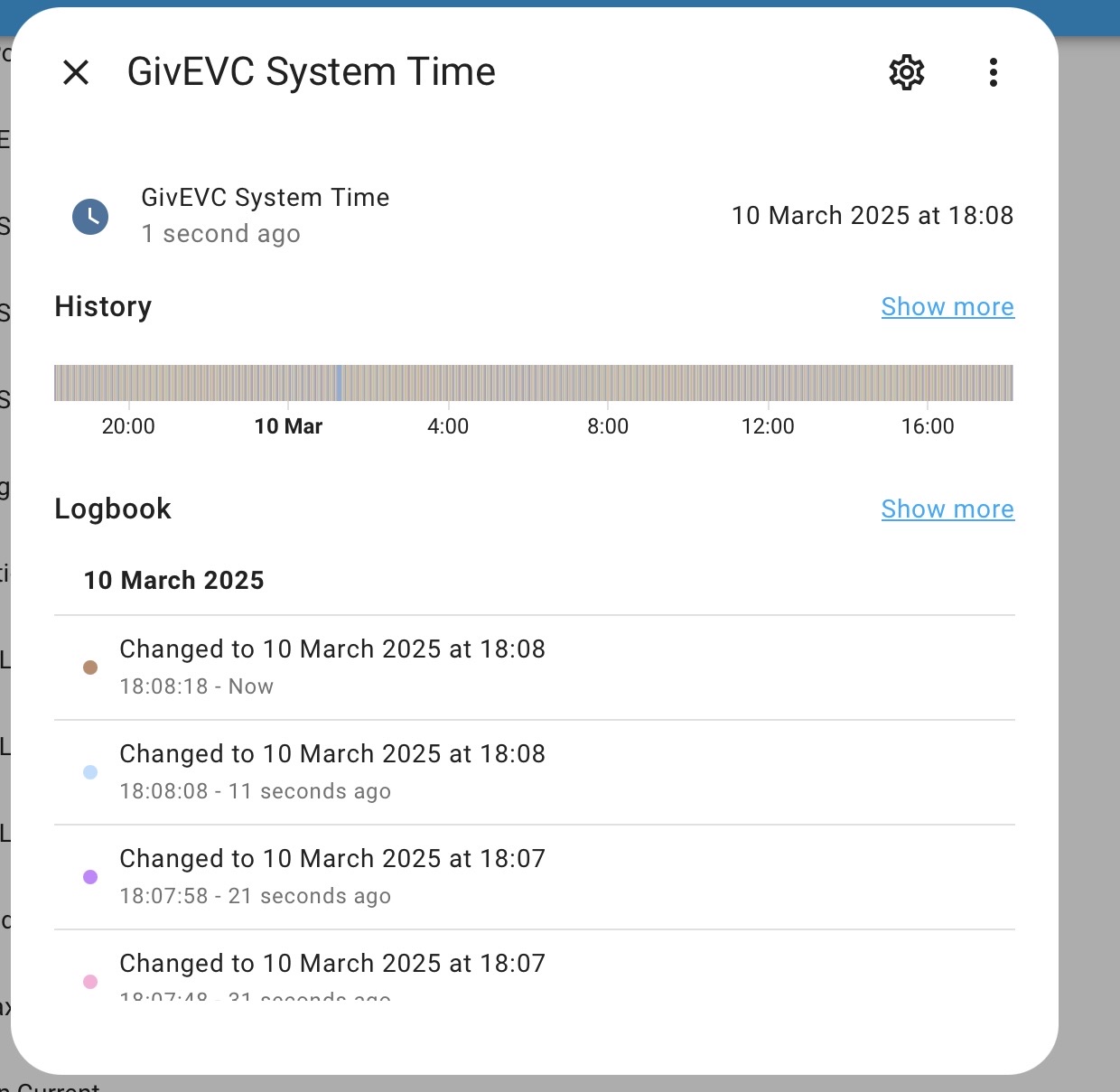
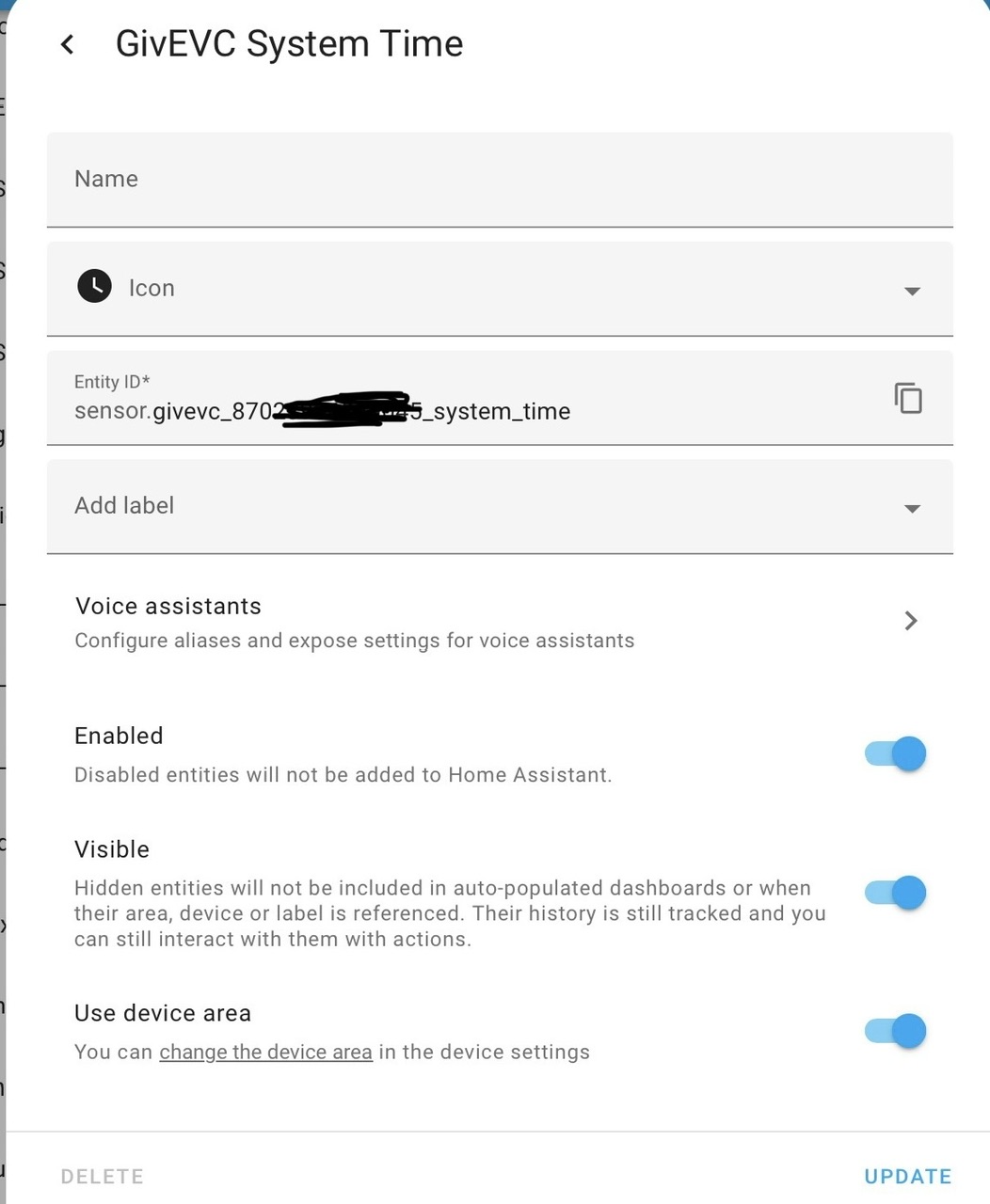
I have just thought of another question, when it goes offline in the cloud, can you still see it and control it in the phone app? Mine says Charger Online top left? I don’t have local monitoring, as my GE kit is in its own vLAN same as yours, but my normal network is on a different vLAN and I don’t allow them to connect.
1 Like
Nah when it’s offline according to me, it’s also offline in the app and the cloud portal.
The only path from my IOT VLAN to my main VLAN is the MQTT port of Home Assistant, otherwise they are fully isolated from the main VLAN AND each other.
2 Likes
I’ve had an email from GE 3rd line support saying they are looking into whether there is a fix for this issue - I await with baited breath.
3 Likes
Watching as this is exactly what happens to my AIO.
Pings fine
Active on my router
Weirdly cloud is still being updated
But local just doesn’t respond and I can’t get to the WiFi card management page either
But, reboot AIO or router and it works again.
1 Like
I have no home assistant and pretty basic setup, 4.4kw array, 3.6KW Gen 1 inverter, 9.5 KW battery and recently fitted EV charge all GivEnergy.
My EV charger also frequently goes offline, then comes back online - and I have been in the garage a lot trying to setup my EV charging on my Q4 etron - whenever the charger is offline in my app the wifi connection light is always solid blue on the EV charger.
My EV charger is connected by wifi only. So watching with interest.
1 Like
Do you know if this has been acnowledged as a known issue by GE technical support. Many people getting the same symptoms and it feels like this is a local firmware issue.
When mine loses connectivity and the app reports charger is offline, I can see that the wifi module in the EVC is still successfully connected to the access point.
So far from what I`ve seen, when the EVC reports in-app that the charger is “offline” - in reality the wireless module inside the EVC is actually still successfully connected to its wireless access point.
Additionally, I`m not taking any action to resolve this, after what is usually a few minutes, the Givevergy app reports “Charger online”.
Feels like this issue is software based, either on the app side or the EVC. I cant see anything which suggests this problem exists at the network layer.
2 Likes
@TheDragon is there any way to give support a nudge about pushing out 1.1.14 to my charger? I’ve been waiting for months and I think it’s got lost now.
Has something changed in your network? The EV charger is being denied access to the FTP server to download the file
Nope. It’s on the same network as all the other kit which has internet access.
I’ve just rebooted it if you’re happy to try again.
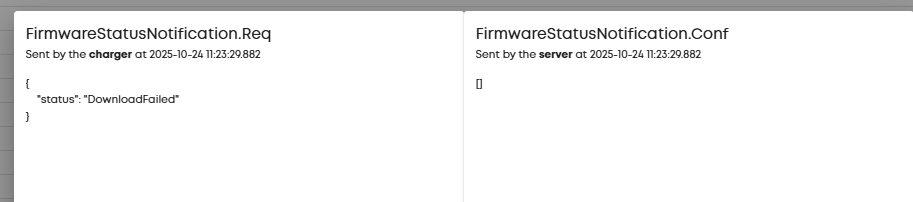
Looks like the EVC cannot contact the FTP server
It immediatly fails, doesnt even try.
I checked on another EVC and the download worked and upgraded just fine, so the link it uses is good
Your ISP migt be blocking FTP transfers
1 Like
Where is the request going to? I can see an outbound connection to ev.comms.givenergy.cloud on port 7655 which was allowed but it’s not at any of the times you’ve tried.
My ISP doesn’t block anything to my knowledge (it’s a community fibre ISP). If you can confirm the endpoint and port I can double check.
I’ve just created a rule in UniFi to allow all traffic to and from the EVC.
Very odd as I’ve received two updates to this previously without issue.
Is there a local update / recovery option on these devices?
Yeah when it’s reported “offline” in the app, it’s still connected to the network, and can be pinged, it’s just dropped the connection to Giv’s server and doesn’t recover most of the time in my case. I’ve seen cases where it goes offline then does recover but mostly I have to go out to the gateway and kill power to kick it back into life.
I monitor two aspects of the charger, its connection to Giv’s API and the local modbus connection, and both frequently (and seemingly randomly) shut down quite regularly.
It’s very frustrating as all my other kit works brilliantly but the charger I really regret getting.
Hi new here, just joined for this thread, I think I have the same issue with my EVC going offline.
I do have a battery and inverter (no solar) which I leave in Smart Tariff mode (Octopus Agile) which works pretty well. I don’t avoid charging the EV from the battery.
Setup is:
- EVC hardwired via ethernet (it’s too far away for wifi)
- Standalone mode.
- Contro via the app - one schedule at the most usual cheap rate, since there is no charge-by-tariff option for EVC.
- I’m on AC_GL1_1.13
It will work for a day or two, then I will get to my car in the morning and it hasn’t charged. When I check in the app, it says “charger offline” / “car plugged in”. I can ping the EVC from my local network so I know it’s connected, it seems to be the cloud connection that’s the issue. If I power cycle the EVC at the circuit breaker it reliably comes back online. But that doesn’t help me much when I don’t have enough charge to get to work!
I’m looking into local control now instead as someone above mentioned that, this would be fine for me, in fact better as maybe I could try my hand at homeassistant and charge the car by tariff instead of time. But somewhere above someone said that local control doesn’t work over ethernet (which is kind of bizarre?). I’m regretting buying into this ecosystem as it’s a bit alarming that the EVC will stop working entirely if GivEnergy cloud goes down, I would have thought it would just keep going on whatever the last settings were.
Any ideas would be welcome…
Mine is still doing this - but it’s on borrowed time as I’m having the Octopus Charge installed in the next couple of weeks - the rest of my GivEnergy setup is great but the EVC is piss poor - flaky software, promised functionality not delivered (i.e. local control) and the disingenuous mention of OCPP.
OCPP (or Open Charge Point Protocol) is a standard for EV charging devices which should guarantee interoperability but the GivEVC does not present the OCPP settings to the user - they are used internally as far as I’m aware (based on bits I’ve read and received from Giv support as some of this isn’t documented) to translate modbus to OCPP for the GivEnergy portal. By contrast, the Octopus Charge does the same BUT it also allows you to set an OCPP server in the settings - using an add-on in Home Assistant you can have the Octopus Charge talk directly to Home Assistant and give full local monitoring and control.
I’ve now got a situation whereby GivEnergy can’t upgrade the firmware as they say it can’t connect to their server, but it’s clearly online when the upgrade attempt is made and I’ve even put it in its own security group with direct access to the internet.
Don’t get too excited about local control - it doesn’t work (for me at least). You are reliant on ethernet and it doesn’t work on ethernet.
In terms of workarounds, I’ve not found anything which works in all cases. If you set up a schedule on the EVC (using the app) then it should work if it disconnects. I say should as I’ve found it doesn’t always work as intended.
You could try enabling “Plug and Charge” then set a schedule in your vehicle - plugging in outside of the window will not allow the car to charge and then when it’s time to charge the car will tell the EVC to start. I’ve not tried this myself but it should work whether the device is online or not.
Part of the problem is we don’t know what “offline” means - as you’ve noted (and I see) the comms are online on our side - i.e. we can ping the device - but there is no communication from the device to the portal. That could mean the entire device has crashed but the comms module stays up (meaning nothing works) or it could just mean it can’t connect to the internet for some reason but locally all is good.