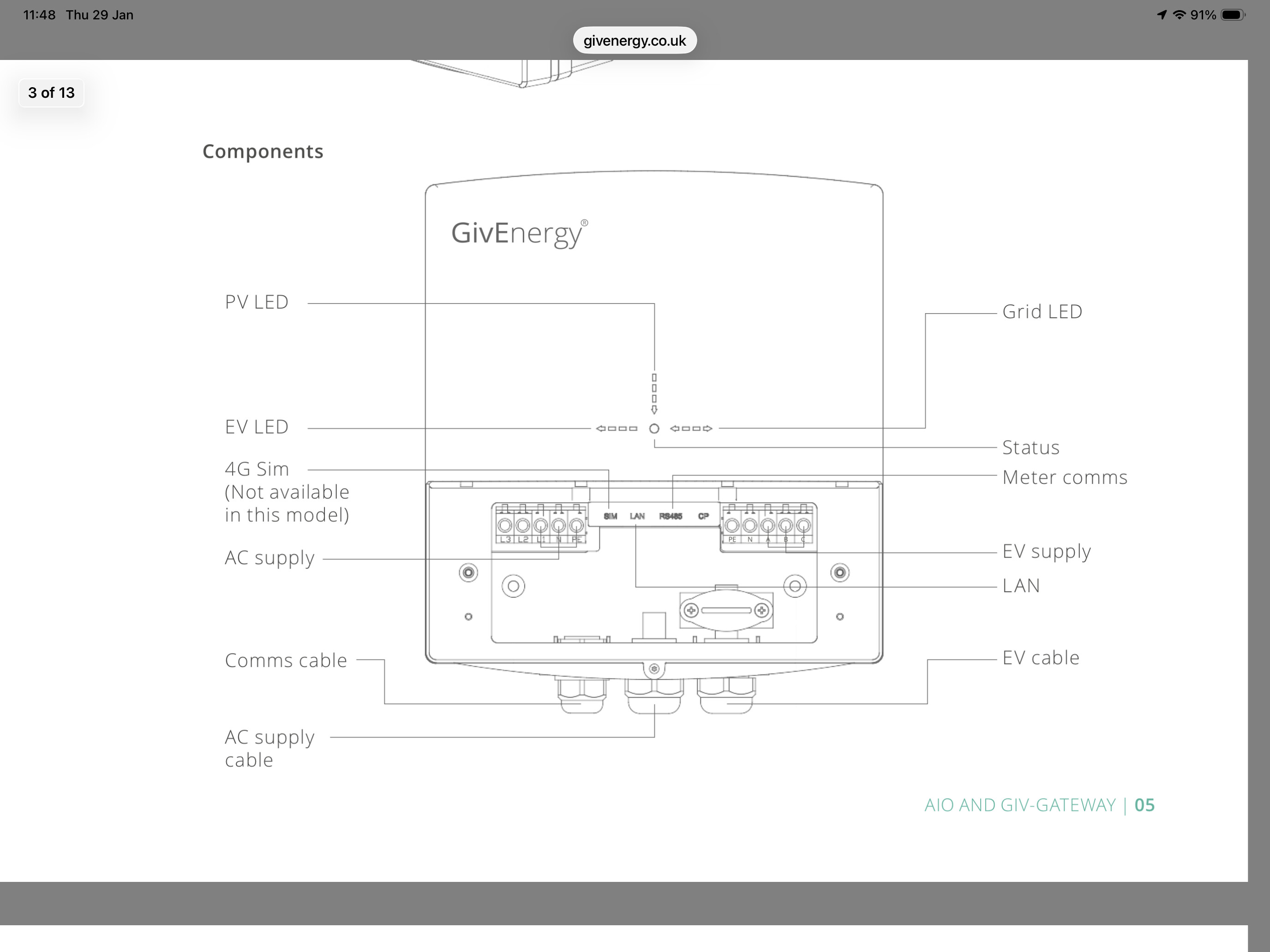
Thanks for replying, even though it’s not really great news :(
What is “local control” actually? Is it someone reverse engineering the EV charger’s Modbus protocol, or is it some hidden app mode, or home assistant, or what?
I can reliably get it to reconnect by flipping the circuit breaker down and up. Not exactly convenient though.
If I could find a way to detect when it goes offline, maybe I could get it to send me a notification so I at least don’t wake up to an empty car. But pinging WORKS so I don’t know how I could detect that it’s disconnected from the GivEnergy cloud.
Yeah the device has a modbus port (TCP/502) which comes up shortly after the wifi adapter shuts down (if you’re on ethernet like me). About 5 minutes after restart is when the modbus port is open. GivTCP is supposed to be able to talk to and control the EVC over modbus as long as “Local Control” is enabled in the portal, but it doesn’t work (or never has for me). I get readings from the sensors, but control doesn’t work, which is pretty pointless.
You can retrieve the state of the device from the GivEnergy API using REST. You need an API token from the GivEnergy portal and then you need to call the following endpoint;
https://api.givenergy.cloud/v1/ev-charger?page=1
This will return a JSON object which contains two useful bits of info;
online and
went_offline_at
If you’re a Home Assistant user, you can easily pull that into a sensor which is “on” when the device is connected to the API and “off” when it’s not. I have that and also a modbus sensor (using the Ping integration in Home Assistant).
If you’re not a HA user you could easily do this in Python, bash or powershell and fire off a notification to something like Pushover to let you know when the EVC disconnects (then you can go flip the breaker, which is indeed the only way to kick it back into life).
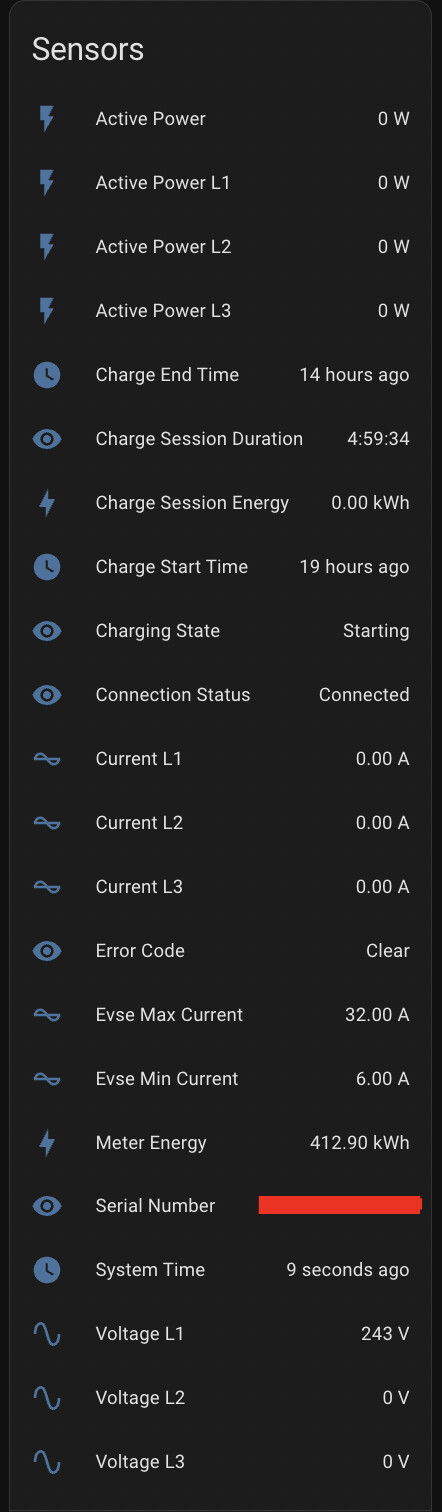
Screenshot of the sensors I use in Home Assistant to keep an eye on the EVC;
Interesting, so you are able to connect to the charger locally and retrieve information, but when you try to send information - no response? Or some error response? How do you know what control requests are supposed to look like to the charger - is it documented somewhere or was it reverse engineered? I would love to give this a try, I am not a home assistant user, but I could try to set it up. I could also try to capture the commands sent down from the cloud using something like wireshark, if that data isn’t encrypted. For me the charger definitely does NOT charge nor stick to the previous schedule when it is disconnected from the cloud, so that suggests to me that it is literally a “Charge Now!” command being beamed down from GivEnergy HQ telling the EVC to begin.
Either no response or worse it crashes the charger.
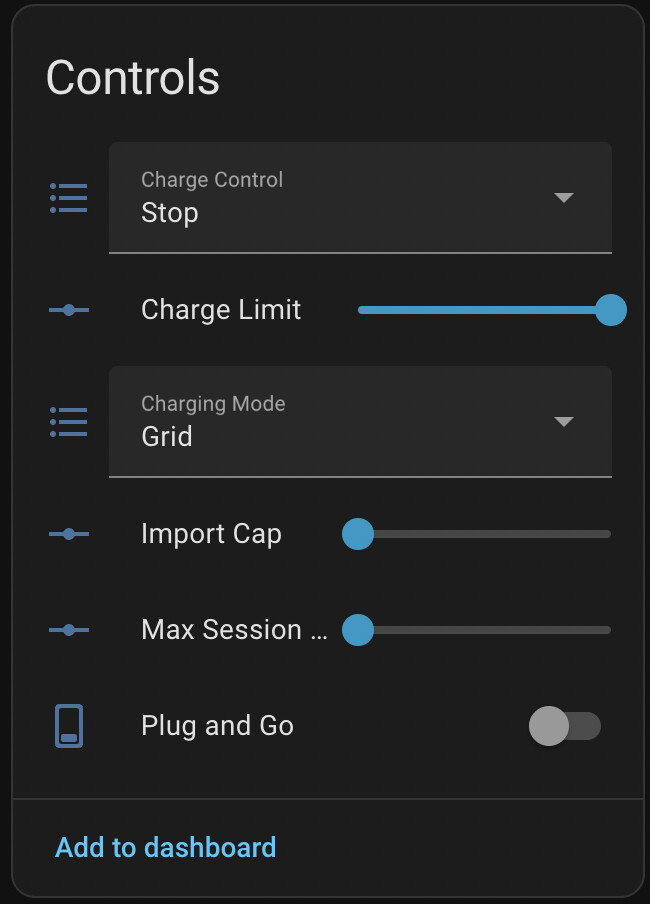
GivTCP is a bit of software which speaks modbus and interfaces with Home Assistant so it basically presents a list of entities and controls to Home Assistant and you’re supposed to be able to control the charger from there. It appears in Home Assistant that it worked but the charger never responds.
The GivEnergy API is very well documented so if you go to their developer portal, the documentation is pretty decent - from that you can easily control the charger IF it’s online, but of course our issue is that it’s often not online, so control via the cloud is moot.
I also have this issue with my Giv EV Charger. It frequently goes offline, but every time the light on the charger is solid blue showing connected to wifi.
My charger is 4 ft away from My Givenergy Inverter and Dongle - connected to the same wifi inside my garage, and the inverter is remaining connected.
It’s quite frustrating reading this - I am about to run a network cable to the EV charger but reading this - it will not make any difference.
I have a MESH Wifi 6 setup, and in the garage I have TP Link camera and Nset Protect and they work fine on the wifi.
I am on standalone control, and am allowing the car to control the charging - my Q4 Etron is supposed to be able to control Octopus Igo but it does not.
My solar system and Givenergy battery has been great since install, but the EV charger is a bit disappointing - when it was announced they were supposedly partnered with Octopus and the charger was supposed to be getting Octopus Igo approval.
I can see how EV charging at home puts a lot of people off EV ownership.
Something which may be worth ruling out. The last time I had issues with the EVC going offline was solved by changing the EVC configuration from Inverter control to Standalone mode.
This isnt ideal as it forces you into a single mode of operation, but in terms of reliability, it solved my issue at least.
Hi I have the same issue. I’m not very technical so I am not sure that I understand all of the solutions above.
My charger is connected by ethernet and its in standalone mode. I just have one schedule at my off peak rate. But then when I come to my car in the morning somtimes it is flat.and hasnt charged at all. Then when I check in the app it says “car plugged in” and “charger offline” (if the charger is offline i dont know how it knows the car is plugged in but never mind that!!!)
Not trying to use octopus intelligent or anything weird or special at all. Just want the charger to stick to the schedule!
The only way I can get it to come back online is to turn it off at the consumer unit and back on. Which is getting very boring. Im ready to rip the thing off the wall at this point and just go back to my 3 pin plug charger.
Please does anyone have a solution? I have to be missing something because I cant think of a more basic way for the charger to possibly work. Plug in when i get home. Start charging at 1am. Stop charging at 6am or when battery is full. Is this too much to ask?
I lost a charge yesterday, because my EVC fell into an offline state overnight.
Given we are seeing multiple reports from customers, connected both over WiFi and wired ethernet experiencing their EVCs going offline, it would be appropriate for Givenergy technical support to step in.
Then when I check in the app it says “car plugged in” and “charger offline” (if the charger is offline i dont know how it knows the car is plugged in but never mind that!!!)
I see the same behaviour. The EVC can accuratley report to the GivEnergy App (over a network connection!) the connected / disconnected state of the EVC to the car, whilst at the same time reporting “charger offline”.
Clearly this shows that “charger offline” means something different from “charger not connected to the internet”.
Just checked and my Charger is offline again. Hopefully it will still be offline when I get home to I can prove its network adapter is connected to my home network.
EDIT:: And hey presto, an hour later, the GivEnergy app is now showing EVC is back online, with no intervention from me. What on earth is going on?
EDIT2:: And 15 minutes later its offline again! When I get home will post here the SNR of the EVC`s wireless adapter to show how strong the signal from the AP is - (hint - its very strong)
@TheDragon - Would it be possible to give a view on whether this situation is a known problem? My day job is technical, so if you guys require the capture of proper diagnostics, I can help out with whatever is needed. I have a Ubiquiti wifi setup at home, so capturing what`s going on at the network layer via the management portal should be straightforward. I have raised this with Givenergy Suport twice before, but I have not received any response to my tickets.
I am in a similar situation. EVC connected to BT router (by a very short, 1m cable) although it is configured for “Inverter Control”. I agree that this needs to be presented to GE as a significant issue - I assume they are not aware of it as it does not appear in their “Known Issues” (Cloud system). There appears to be no obvious mechanism via the Cloud to report problems (I do not use Facebook or any other similar system!).
There appears to be no logic to the failures re. going offline. My system has been “online” for at least 2 days (at least when I have visually checked it) then went offline this morning (it always remains connected/PING’able on my network, the same network that holds the PV system, GE gateway and GE AIO). Sometimes the EVC ‘offline’ status has returned to ‘online’ without any action from me (rare!!!). Other times I have left it for the entire day before cycling off/on the power to the EVC - this always (temporarily) corrects the issue but would indicate that the system is not meeting the requirements specified on the GE website.
The issues I would like answers to, initially, are:
GE to explain what “EVC offline” actually means eg. is it a customer side problem (network config) or a GE system based problem (EVC / Gateway… firmware)?
Are GE aware of the issue and what action are they taking to obtain a permanent fix?
…as I have been writing this message the EVC has gone back “online” - NO action required by me!
Another citation of wired ethernet connections showing as “Charger Offline” - its abundantly clear that at least some of these issues are not happening at the network layer.
Hi guys, i have a GE EVC and as you can see above had a few issues at the beginning, however since changing these things I have had no issues.
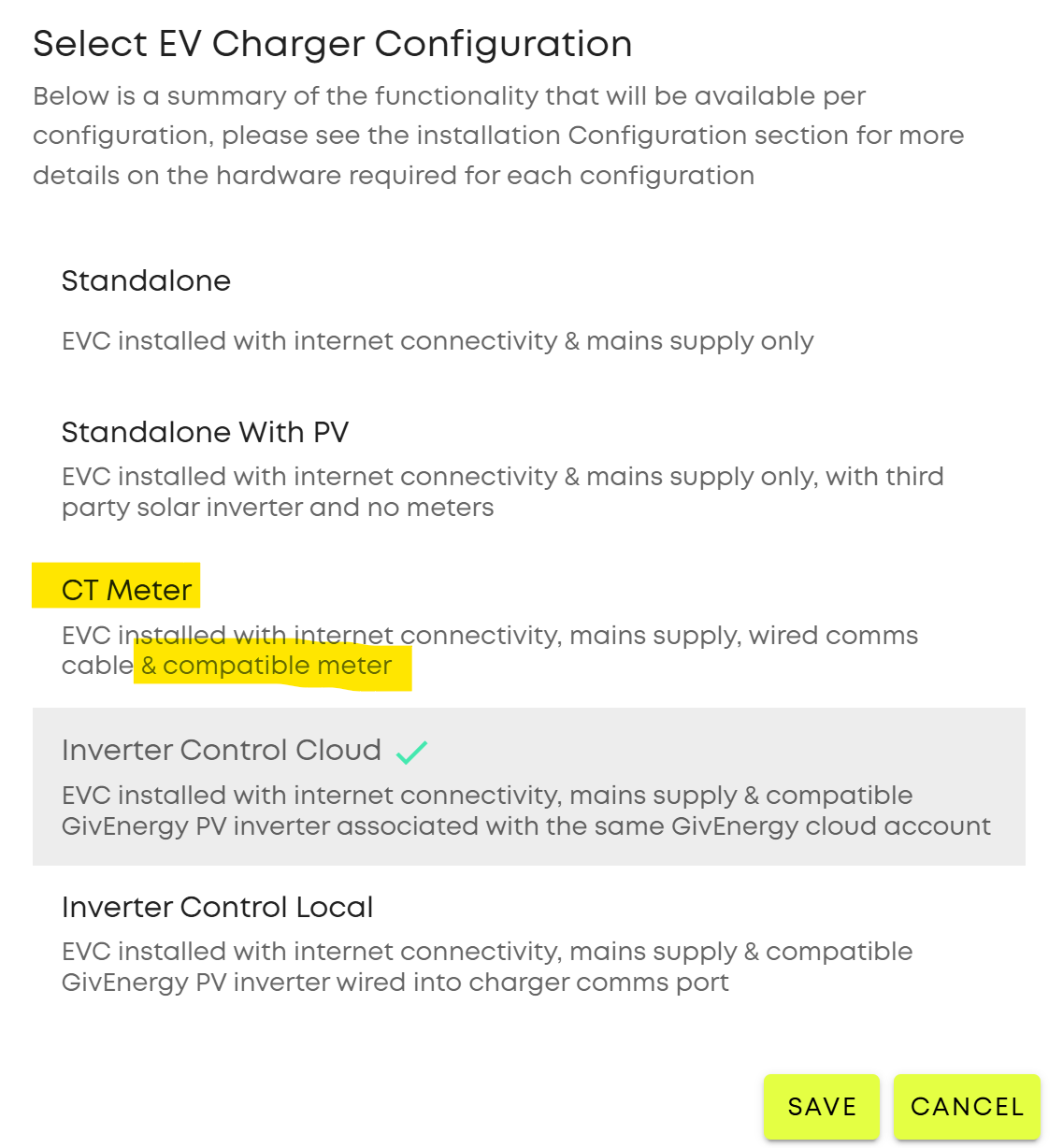
I am now using CT Mode Configuration (not Inverter Control)
I have a wired Connection not WiFi
I am on FW AC_GL1_1.14.
I reboot the EVC every now and then to check it works after a reboot etc. but this is just me. It’s easy as it’s connected to my Gateway and I can just flick the RCBO off and on again.
Dave… that sounds promising. I already satisfy 2 of 3 changes (wired connection + GW 1.14) but its the 1st change i am not sure about.
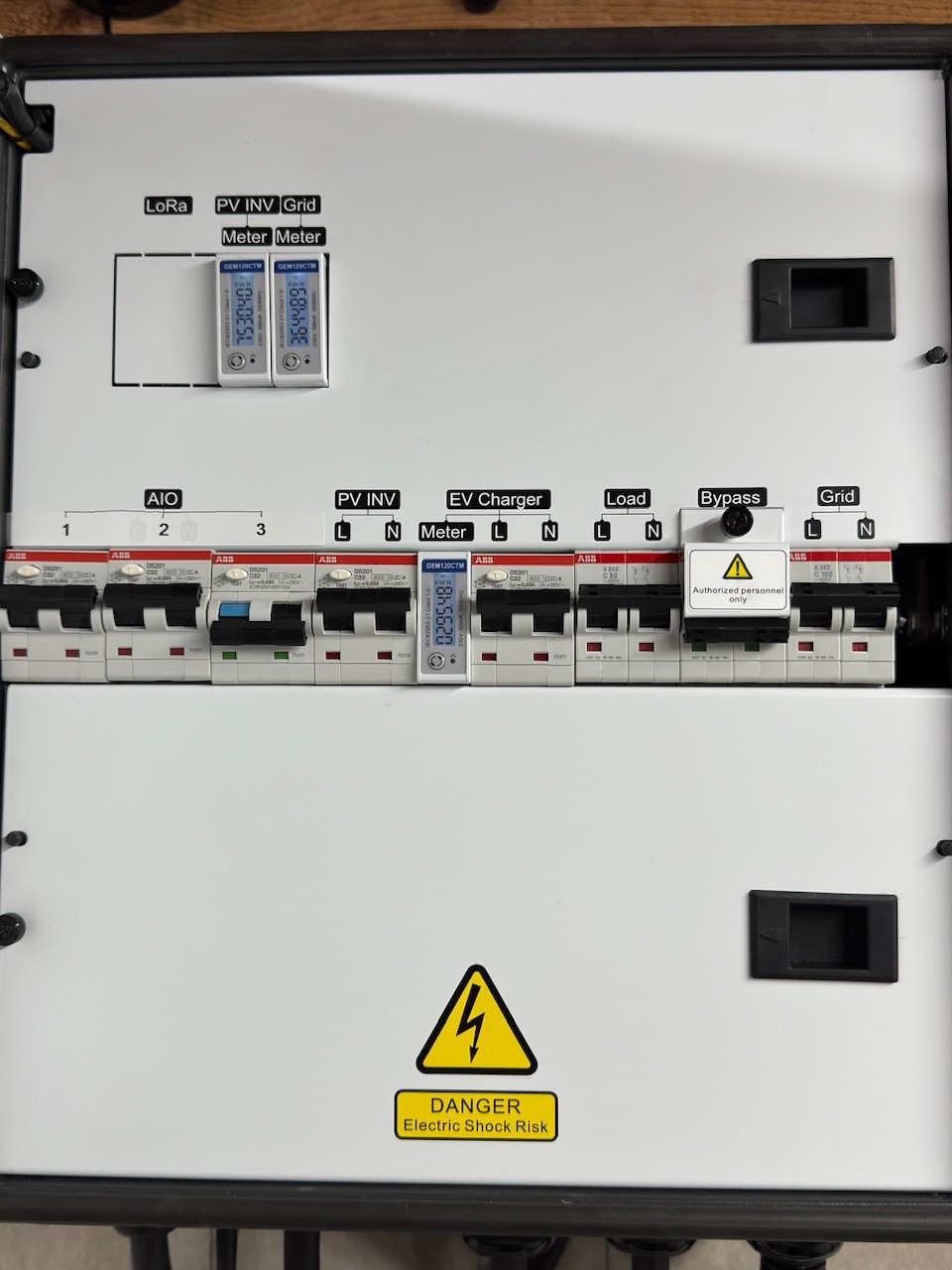
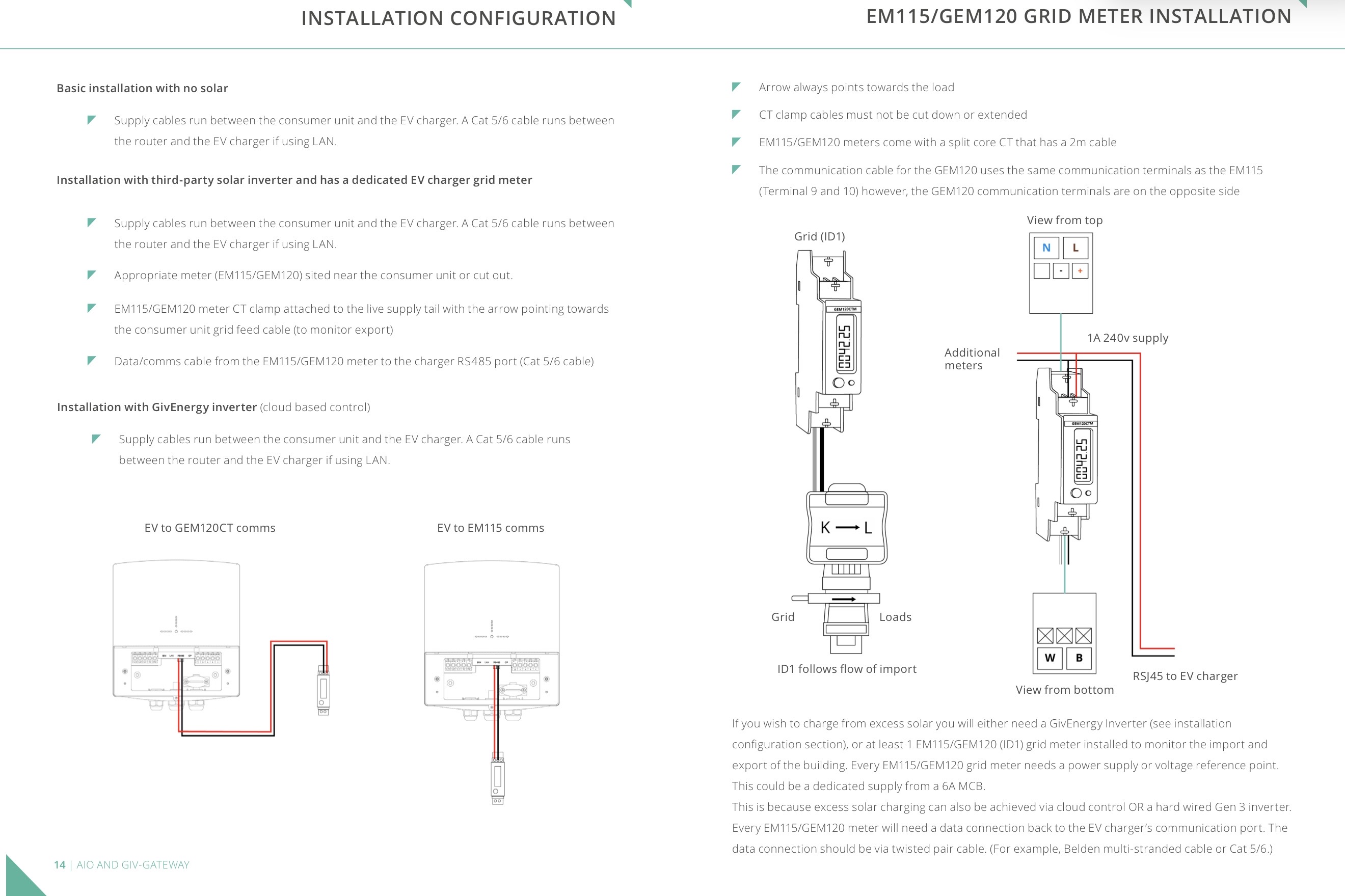
Does “CT Mode Configuration” require additional h/w (ie. a CT clamp installed ‘somewhere’) or is it satisfied by the standard GE EVC install (EVC connection to GE gateway)?
If I already have the necessary h/w then I assume its just a case of changing the config per the image attached…?
If you get the installer app on your phone, don’t have to sign in, just follow the instructions for WiFi and dongle update, to see if yours needs updating.
I did this when I first got my GW. AIO’s, EVC etc and things have changed so can not remember if I updated the dongle or not on the EVC (sorry) if your worried about it GE can do it remotely if it’s required, but getting through takes a while.
The things I have learned while being with my installer when he commissioned my kit. He had to connect via WiFi to update things, before switching it to LAN only, I then went back in and change the WiFi to Access point only and changed the pw & security settings. If there is an issue I can log in via WiFi to that particular kit and sort it, this is another reason why you can not turn off WiFi. I don’t let the kit connect to my WiFi. It is all hard wired.