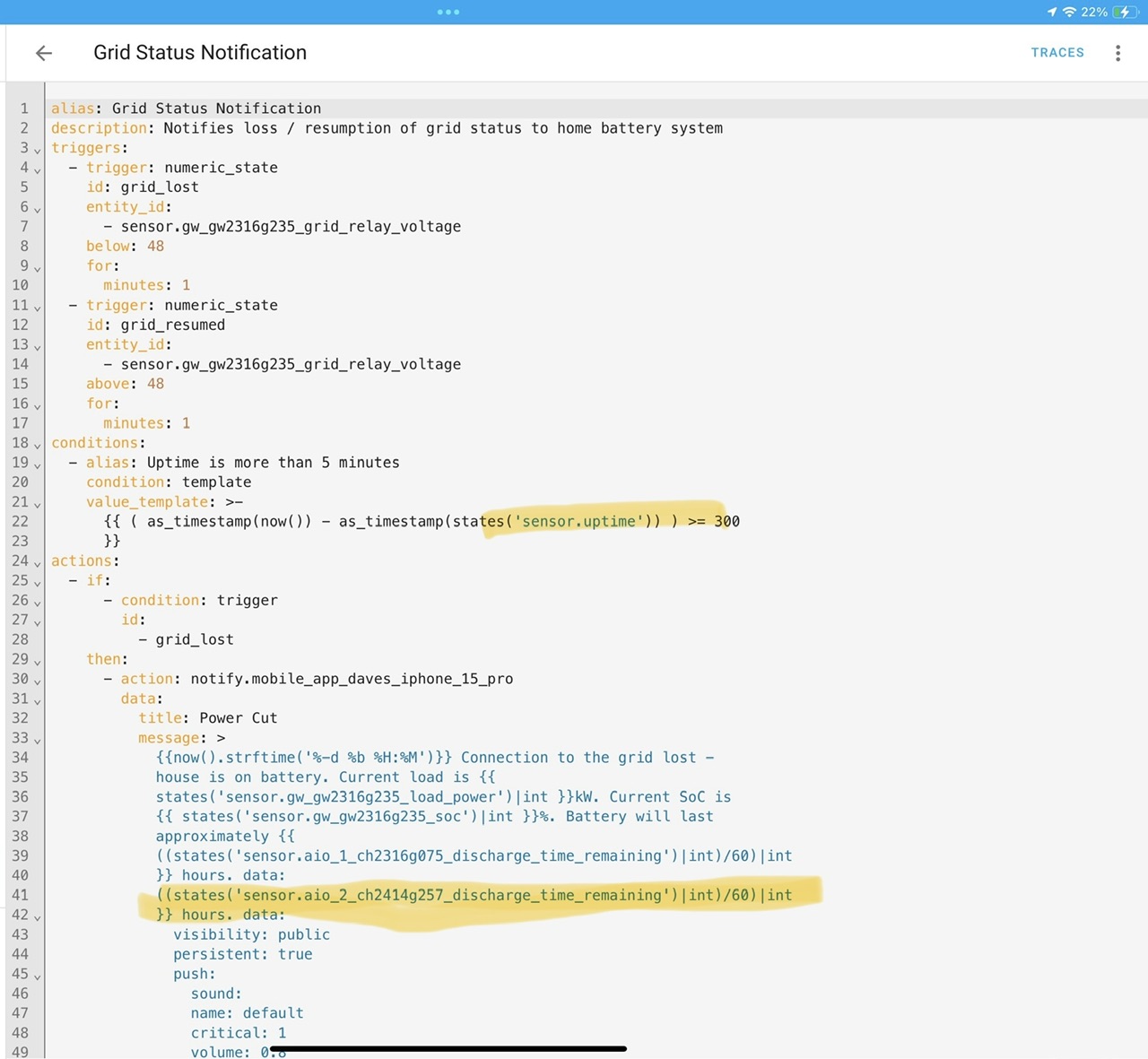
I am also not sure what uptime is. Plus I added the second battery bottom highlight but not sure this is correct.
1 Like
Ah.
You need this
And that coding is wrong. See my earlier DM for the correct syntax. You can put everything inside the {{ }} (including the brackets) into the Developer tools / Syntax screen to make sure it works ok
2 Likes
Heading out for a couple of hours now, sorry
2 Likes
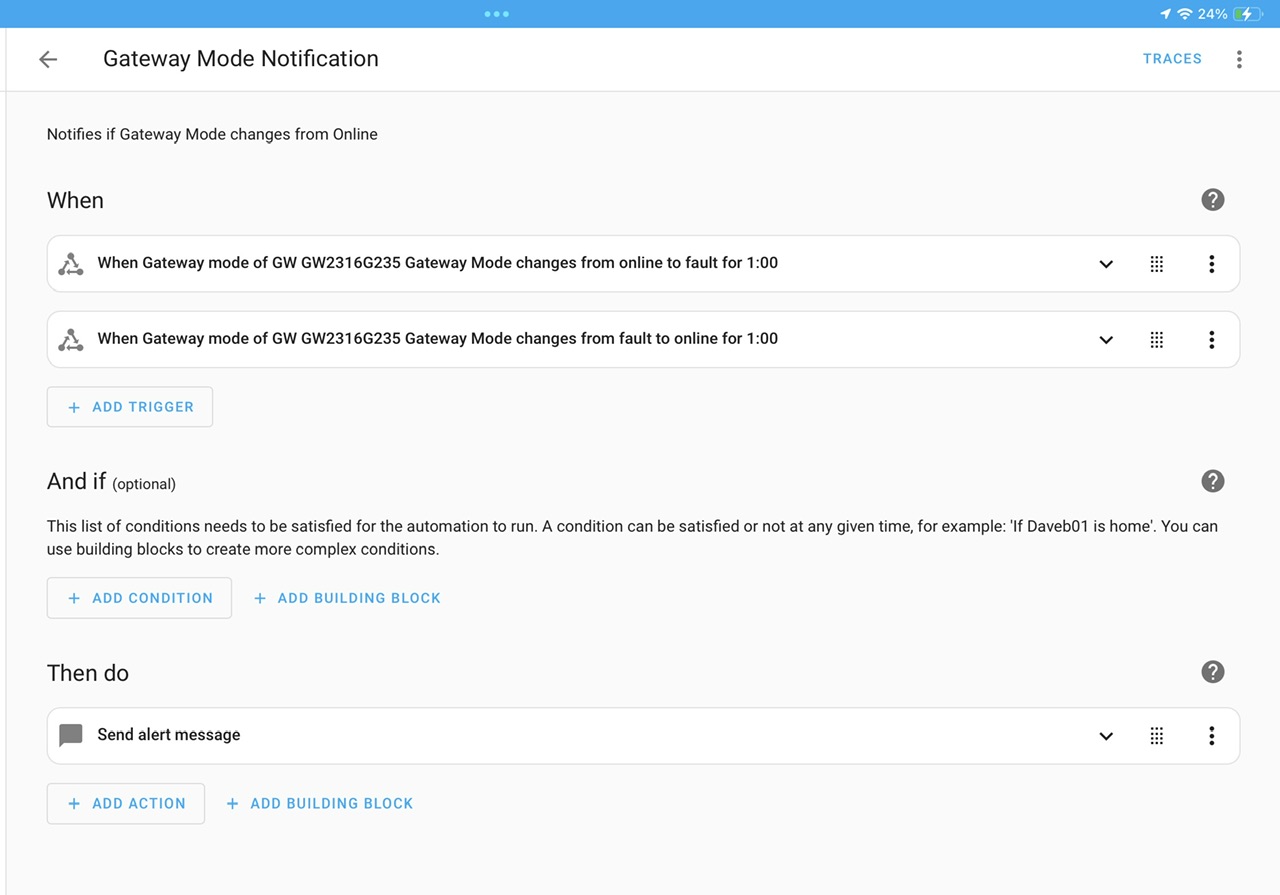
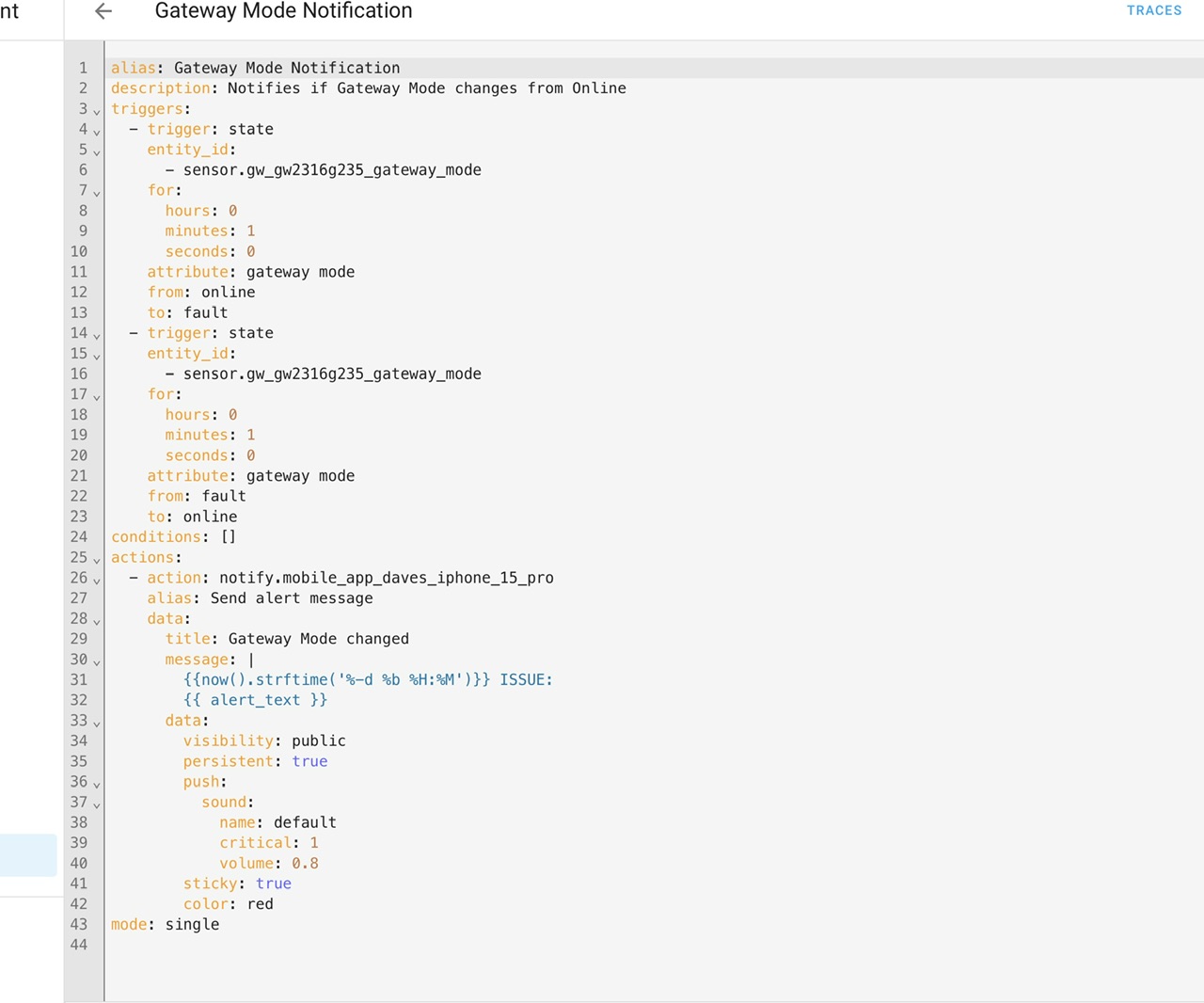
Hi yah, I have got this far today, I get a notification on phone when I run it, but nothing when I cut the grid
1 Like
Thank you, have added and will try again
1 Like
Update, I have gone back to the original code as above in Geoffrey’s post, as I have found the correct sensor, but it is in the AIO not GW. I decided to try and get the automation working and go from there. (Move to GW if I can get a sensor working)
I have had enough today so will try again tomorrow or Monday.
Once the Grid automation is working, I will then try the GW Mode automation, so have paused that.
Thank you again for your help so far, as you can tell,I am crap at this coding stuff.
1 Like
Oh wow, lots to unpack here.
OK, on your second automation (the Fault one), did you confirm that on a grid cut that the sensor does in fact move from online to fault where it stays for at least 1 min?
You will certainly get a notification when you “Run actions” - because the notification is the only action that there is. So no surprise there.
And on the first automation - the voltage one - did you add in the Uptime and change the notification text, having checked it works?
2 Likes
there’s a couple of things I see wrong with your automation
-
your triggers. Your triggers are on the state of sensor.gw_…._gateway_mode BUT then your trigger is specifying the attribute ‘gateway mode’ as being what you are looking to change from fault to online and vice versa (for a minute).
Check what the entity looks like and its attributes in developer tools/states
I suspect what is changing is just the entity state, not the ‘gateway mode’ attribute within the entity, so unless this attribute exists and changes as your triggers are specified the automation won’t fire.
Fix is probably to just delete the ‘attribute’ lines -
In your alert message, you are sending a message with a title ‘Gateway mode changed’, then in the message body it contains the date, time, ISSUE: and then the variable ‘alert_text’
But you don’t ever define alert_text anywhere
You need to add the definition of the alert_text variable to a variables section in the triggers, so each trigger will set an alert text to say what’s happened. Use my automations as a template for this
2 Likes
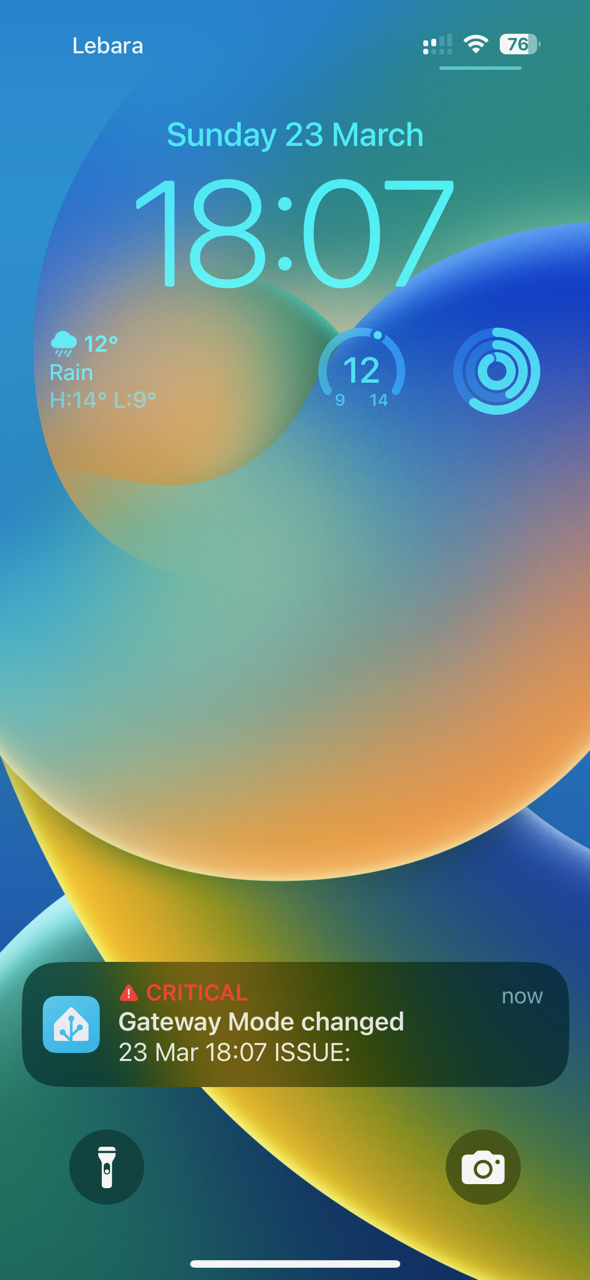
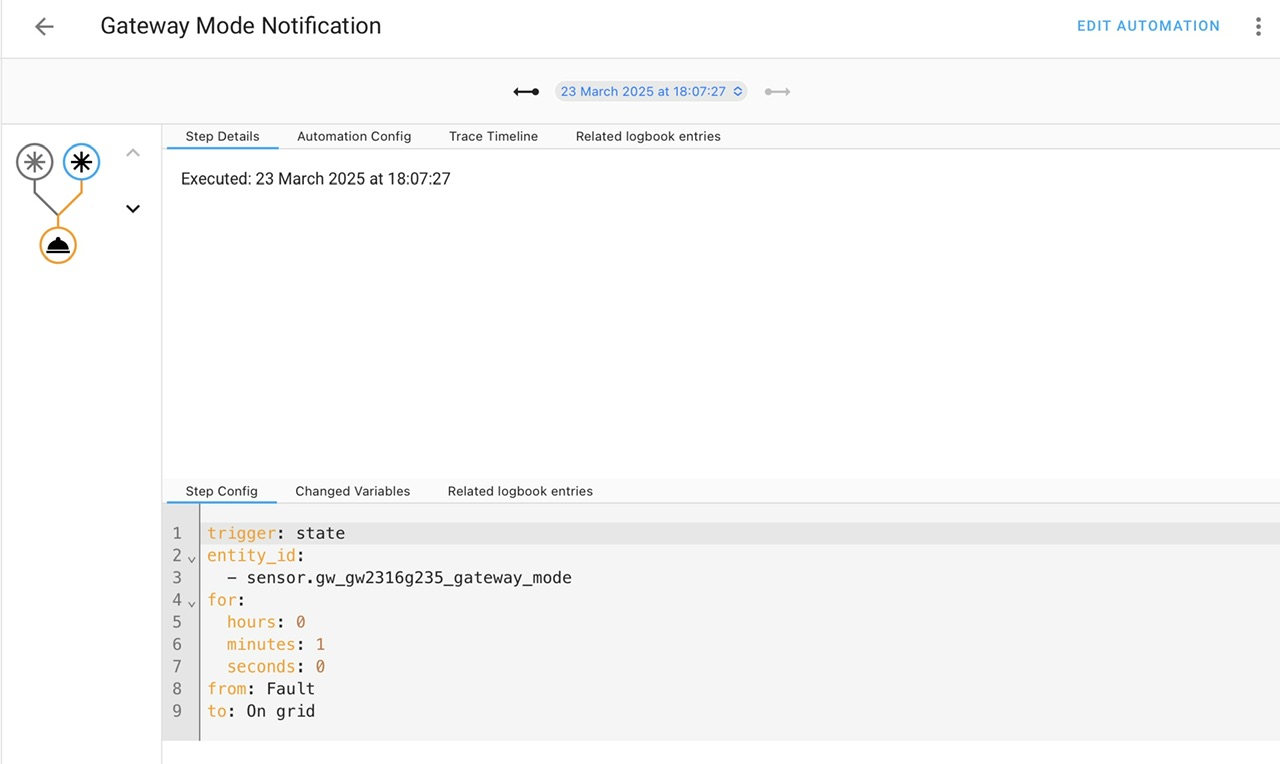
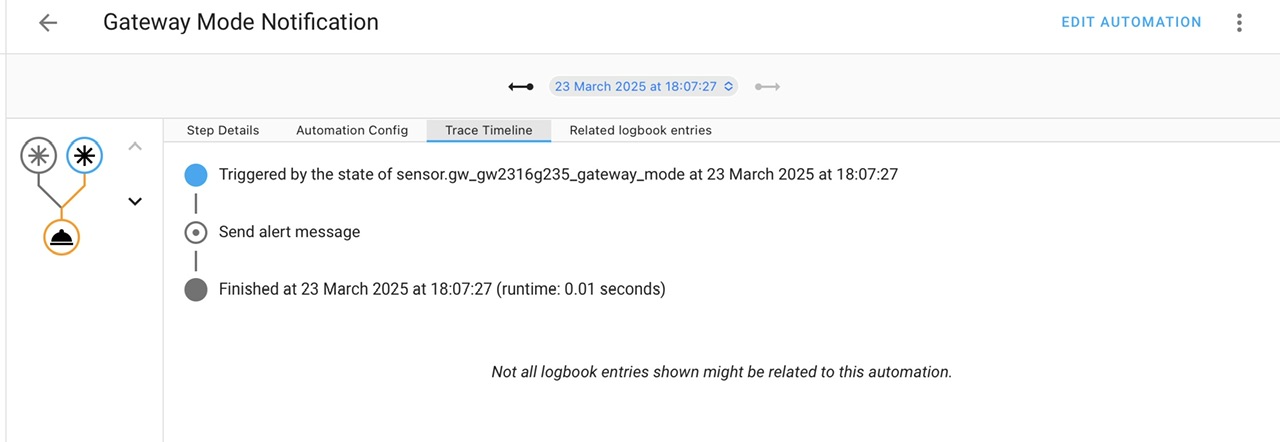
Hi yah, I have been out all day, so sorry for the delay, probably a good thing as you have been busy with Heat Pump questions. Had a look and your comments. I would never have worked that out, so thank you, and it worked first time.
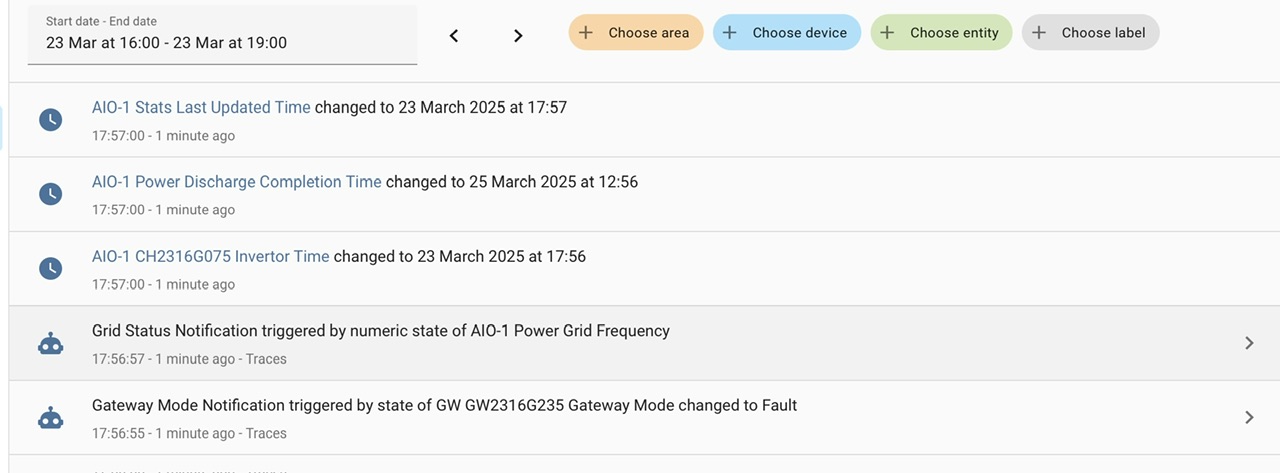
Got a text after 1 min of switching grid off, then got a text when it was switched back on. So I think the only thing to do now it to work on the text message as you suggest using some of your code.
2 Likes
Hi yah, update on the grid outage automation. I deleted what I had in yaml, incase as it was clearly something I had done. Cut & paste the original back in, and just updated the sensors associated with 1 x AIO.
I have just done a test and it seemed to have worked, but I did not get a text (I hope you or Geoffrey did not get one instead)  . So the mobile phone section is the bit I now need to look at.
I will keep you posted.
The good thing is I now have 2 x automations for a grid outage, I probably only need one, but others will need the 0ne that works with there system.
2 Likes
How do you paste yaml code into a post please so it’s easy to copy. Robs ‘’’ before and after does not work for me.
1 Like
It’s ```
Not ‘’’
2 Likes
This should be MUCH easier to debug. You should be able to run an Action which posts to your mobile very easily.
Don’t forget my tip -
2 Likes
All good, and you’ve learnt more about how automations and traces work.
Some things you might want to consider:
- at the moment the triggers are only from one specific state to another specific state. What if there are other states? They will be ignored. Should the triggers be ‘anything TO fault’ or ‘anything FROM On grid’? Simply remove the trigger from or to to make the triggers less specific
- can remove the hours: 0 and seconds: 0 as they do nothing. Doesn’t do any harm to leave them in
- could investigate adding id’s to the triggers and then doing different behaviour depending upon the different trigger. You can see that in the grid power automation, it sends a critical alert with a noise when the grid is lost, but a non-critical alert when grid is resumed
Trigger id’s are very useful to enrich your automations, I use them quite a bit.
Smart Home Junkie on this topic: https://youtu.be/fE_MYcXYwMI
2 Likes
Thank you both again for your help and advice. Every day is a learning day, this one is quite difficult, not only coding but thought process in how you want things to work.
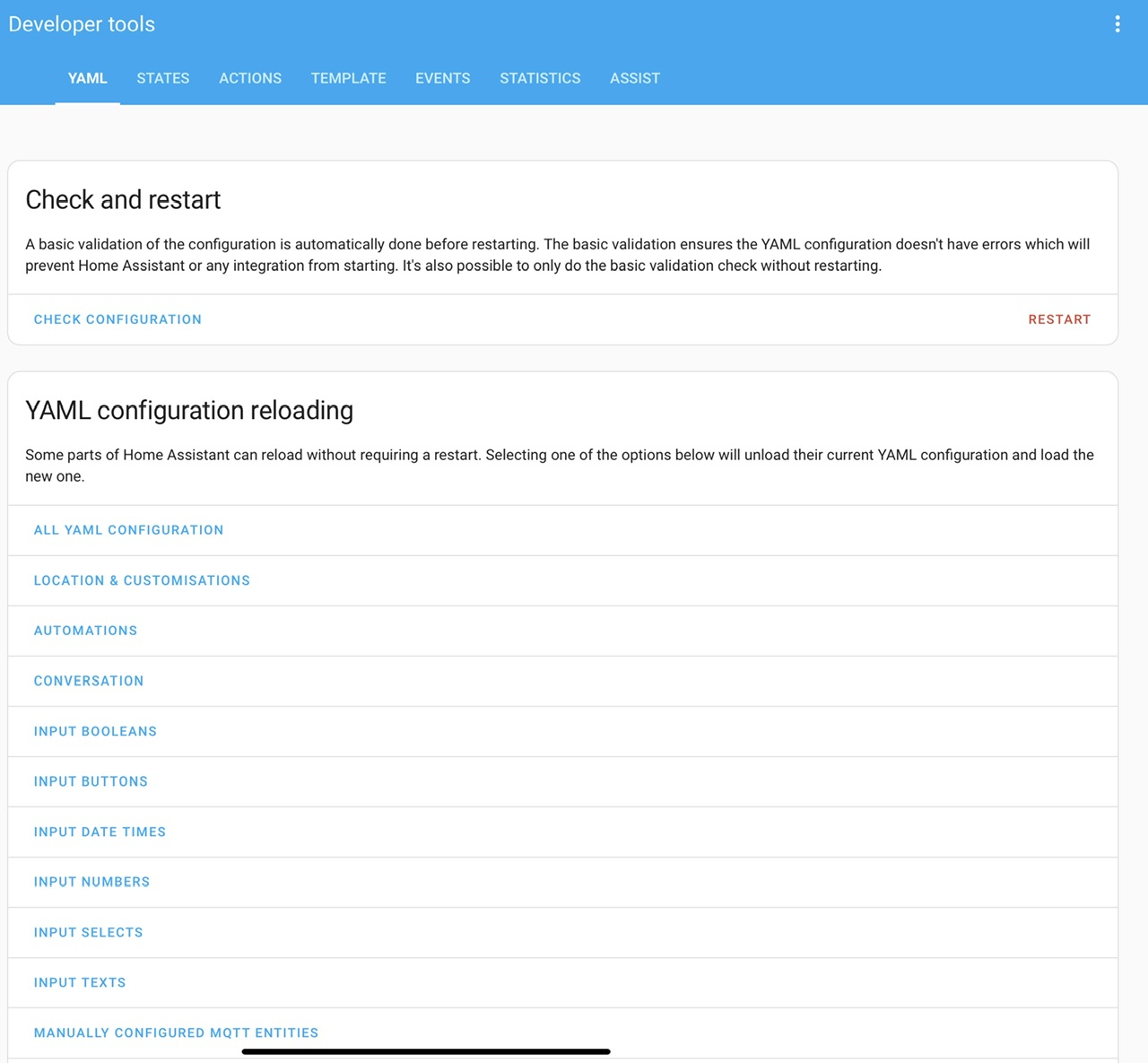
@PianSom I can not see anywhere in developer tools to check the code, do I have to add or switch something on? Or is it template?
1 Like
I have tried 3 times now and had to delete a post as it does not work.
I get this
alias:%20Gateway%20Mode%20Notification%0Adescription%3A%20Notifies%20if%20Gateway%20Mode%20changes%20from%20Online%0Atriggers%3A
1 Like
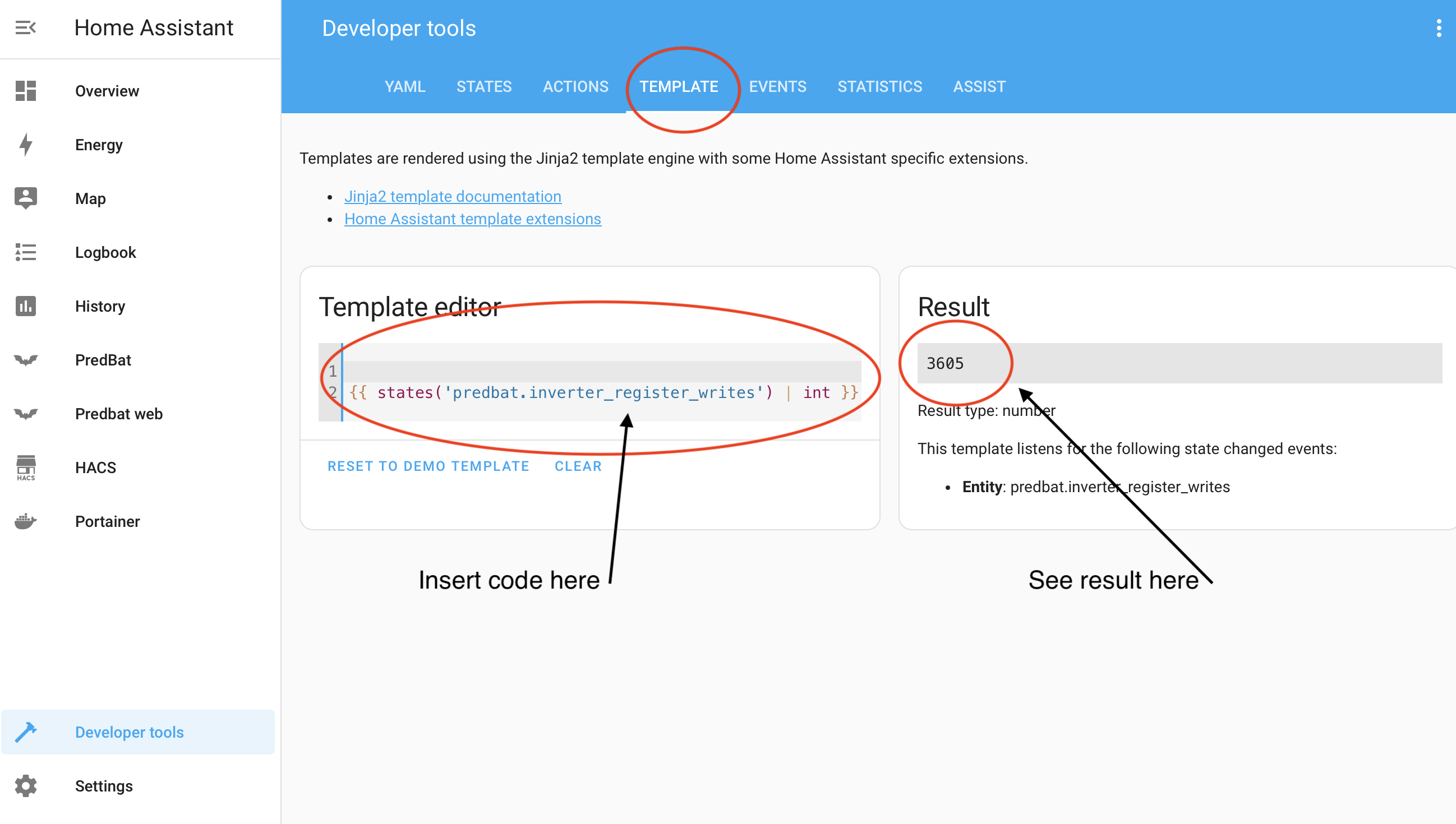
Then there Is something wrong with what you are copying
- because:
  - this is valid
2 Likes
Hi all, here is the basic code to get a text when there is a Grid failure from a sensor for the GW.
As Geoffrey has said above this can be added to (as required)
Add more sensors from the 5 listed above.
Add more information in the text, and how you receive the text.
alias: Gateway Mode Notification
description: Notifies if Gateway Mode changes from Online
triggers:
  - trigger: state
    entity_id:
      - sensor.gwxxx_gateway_mode
    for:
      minutes: 1
    from: On grid
  - trigger: state
    entity_id:
      - sensor.gwxxx_gateway_mode
    for:
      minutes: 1
    from: Fault
conditions: []
actions:
  - action: notify.mobile_app_(phone id)
    alias: Send alert message
    data:
      title: Gateway Mode changed
      message: |
        {{now().strftime('%-d %b %H:%M')}} ISSUE:
        {{ alert_text }}
      data:
        visibility: public
        persistent: true
        push:
          sound:
            name: default
            critical: 1
            volume: 0.8
        sticky: true
        color: red
mode: single
3 Likes
What I was doing wrong was, after selecting the text I clicked “copy” I needed to click the copy to clipboard tab at the bottom of the yaml. Every day is a learning day. 

All sorted now. Just playing with settings now to get it how I would like it, thank you both again.
2 Likes