Thanks Dave I will look into it
Will a TP extender work as an access point? I’m not that technical but you tube is my best friend when I have too! 
1 Like
As I said above I would not use WiFi if you can use Ethernet.
WiFi on GE kit can be very temperamental only works on 2.4 GHz and remembers the SSID so if you change or replace the router you will need to use the same SSID or reset the GE dongle.
So at the moment it’s Ethernet plugged into an extender
But I’ve also ran a 50m Ethernet cable direct from the router inside the house to the inverter which is in the garage (just to see if it fixed it) but the router makes out that the port is not connected to anything and it makes no difference to my GivEnergy app and doesn’t find anything on local monitoring
The dongle does not pick up on any wi fi network even though I hold down the restart button an I’ve shut it all off and back on
It’s really odd that nothing is getting a response from the inverter.
The only bonus point is that when it last worked it was set into eco mode and it’s still supplying solar and battery to the house automatically so at least I’m not losing the facility to utilise the solar power generated
1 Like
This is very weird as you say. Have a think about steps that you can do to prove things are working from the top down.
Start at the router.
Plug something else into the long cable to see if it gets an IP and can connect to the internet (laptop)
Plug the same thing into the extender to see if you get anIP and Internet.
If all good it’s not the router, Ethernet port or cable.
Change the dip switches to WiFi, leave for 5 mins, then change them to USB leave for 5, then put them back to LAN, plug the ethernet cable back in. Reboot the inverter. See if you get an IP?
You could then take your laptop to the inverter location and see if you get WiFi and check the signal strength.
If you do you could try connecting via WiFi. Reset the dongle incase there is a SSID already. Connect as per the instructions and connect to your home WiFi.
If not you’re going to have to get your installer back in I am afraid. 
Or try and talk to GE
I’ve tried all of the above now since you mentioned them. I can confirm it’s definitely the inverter
The Ethernet when I plug it into my laptop direct to the inverter it doesn’t recognise anything
If I plug the laptop to the wi fi extender it works as it should but the inverter acts
As if it’s disconnected
I now need to rely on them coming to take a look and hopefully replace it
I can defo say I’ve tried everything I can now
Thanks for all your suggestions
1 Like
Further update
I’ve noticed that the inverter now does not have any arrow to the “load” on the front
And although the battery is full it’s not sending any power to the house as my smart meter in the home is showing it 100% extracting from the grid once the sun has gone down!
1 Like
As the Ethernet seems to be not working, then I would connect your inverter to your home wifi. If that works then you can se if it connects to the cloud and app, so you can control it.
Your inverter maybe stuck on the last setting when it was connected, that setting Amy not be Eco?
I got that 50 metre Ethernet cable to try it and it acts like it’s not connected to anything
The router for example I’ll use port 3 on the back of my Ethernet which is currently connected to my ps5 and it says PlayStation is the router settings
Once I unplug that and plug the long Ethernet cable into the inverter it says “nothing connected”
I only ever had the “eco” state when it used to work as that was perfect for my house and I didn’t really use any other settings when I used to have access to the data.
If the inverter has been offline for what is now 2 weeks, Will the battery stop sending power to the house due to having no communication?
1 Like
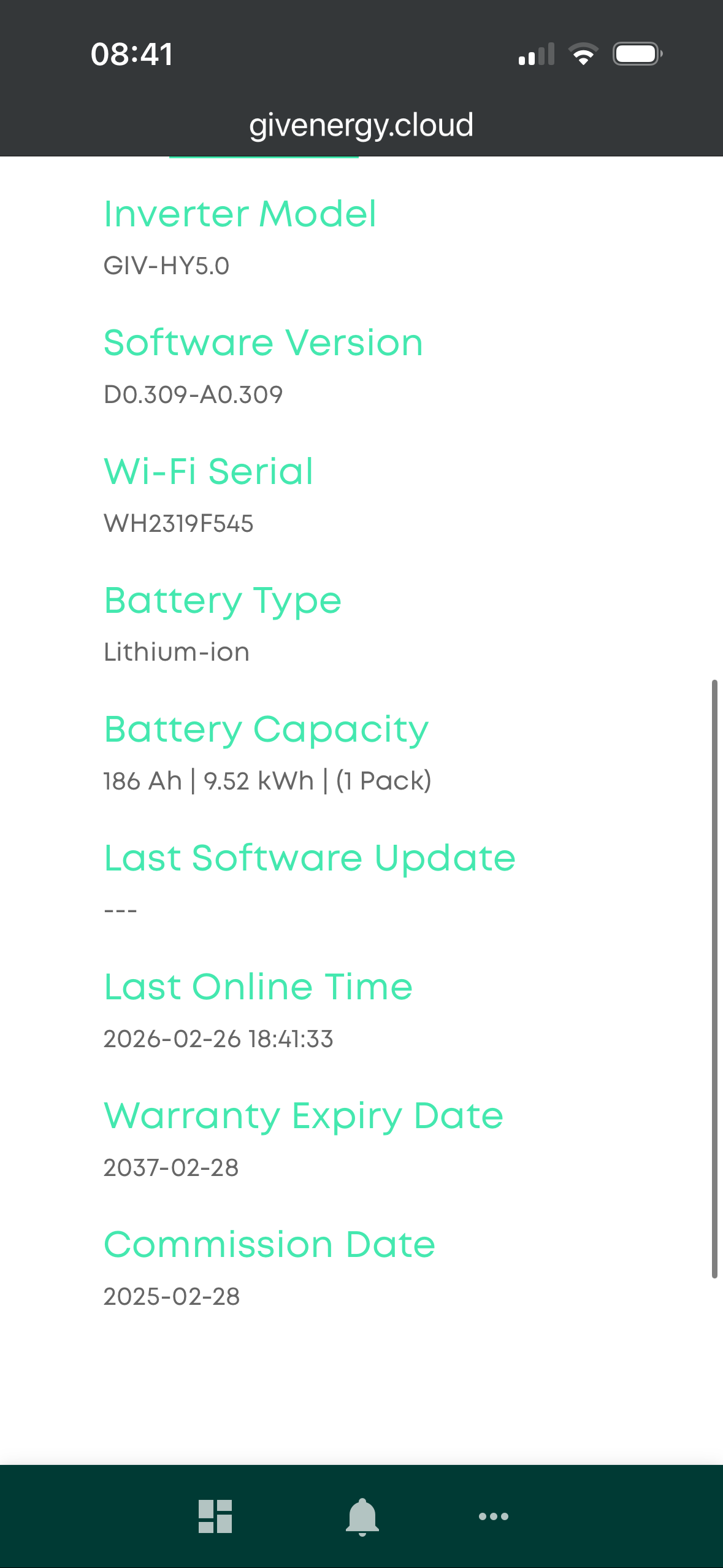
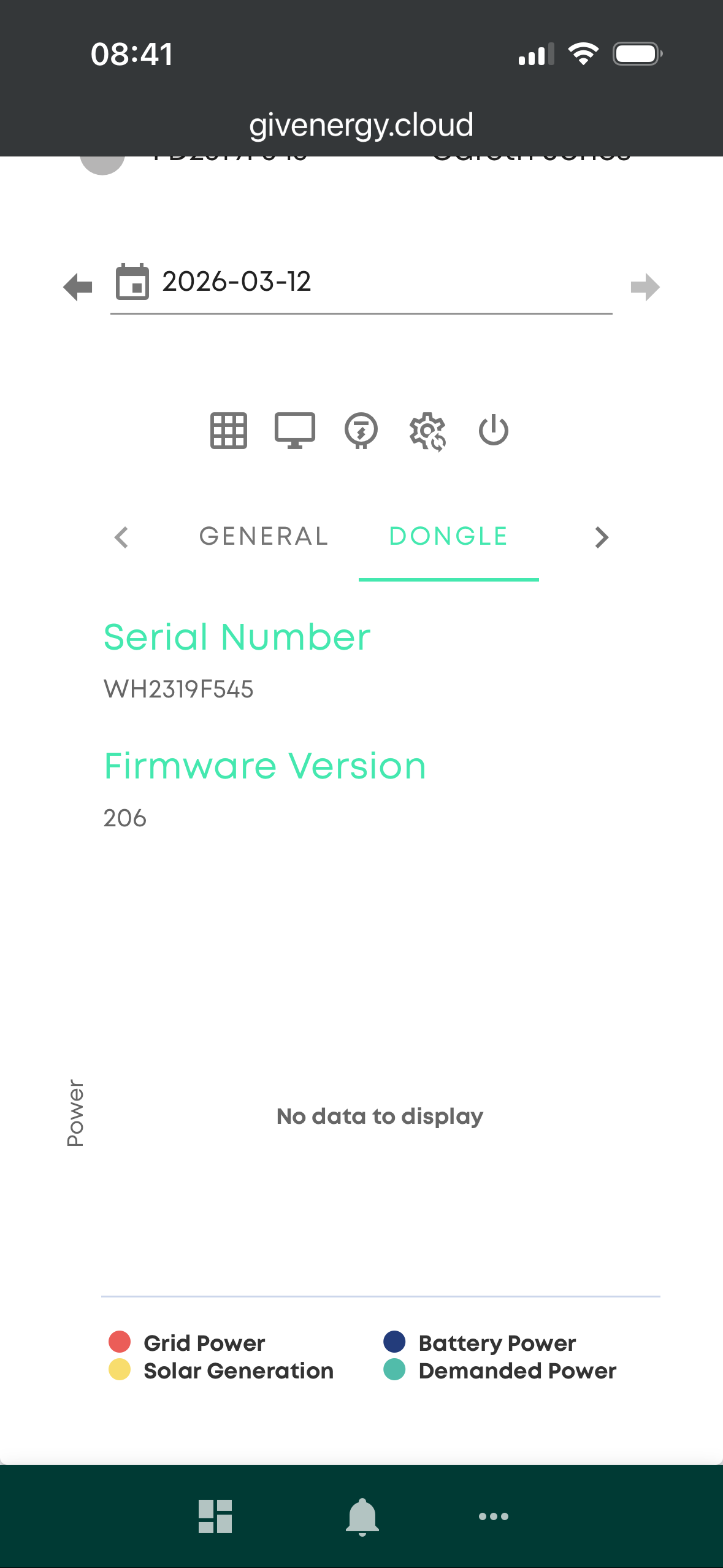
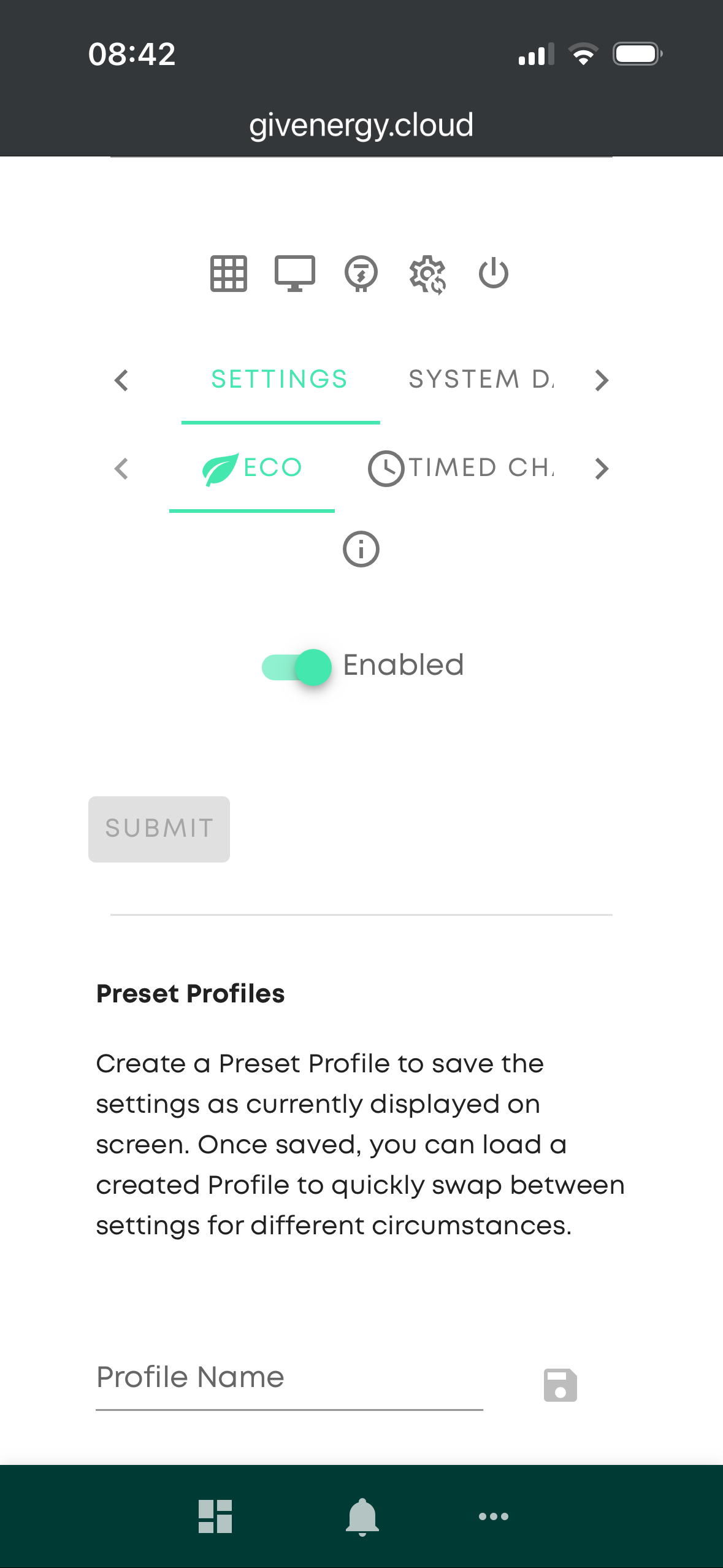
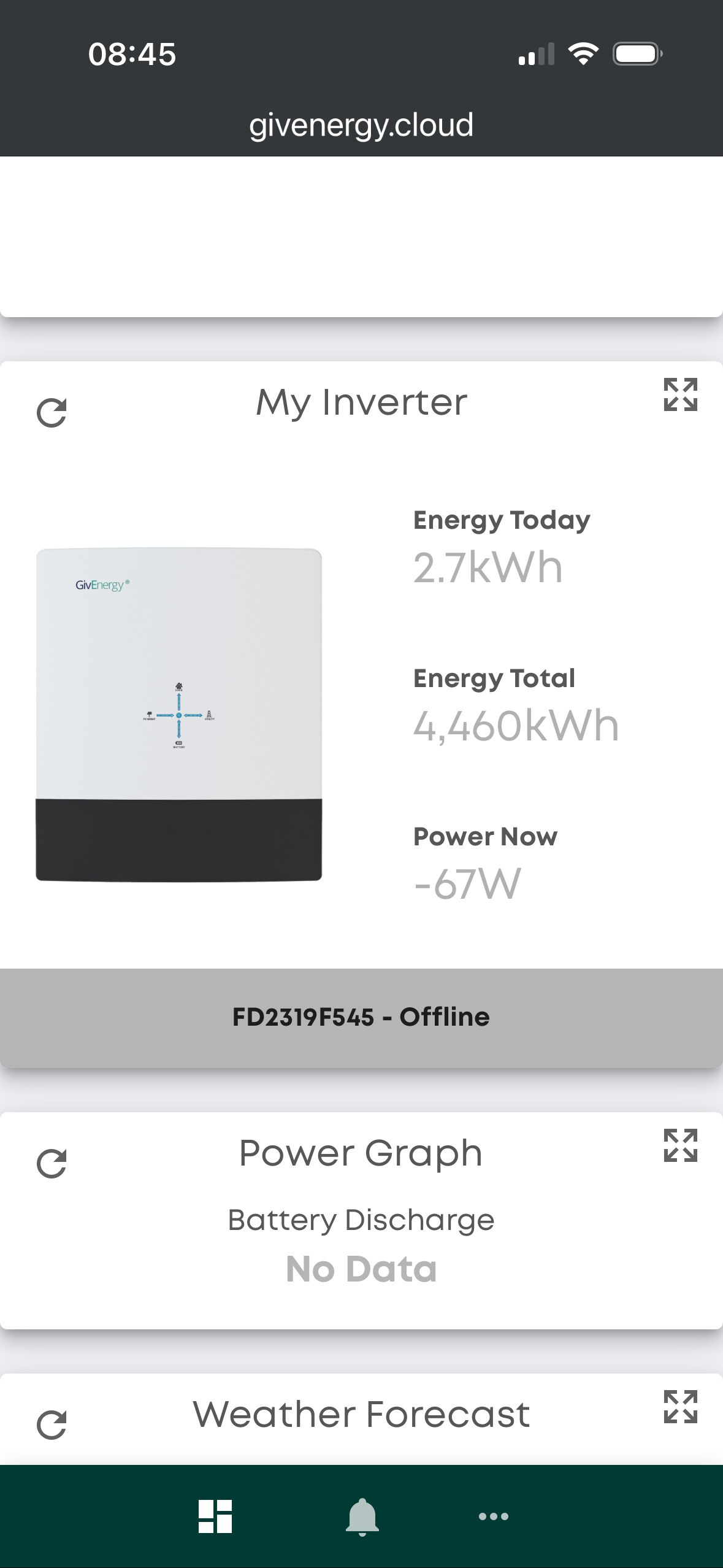
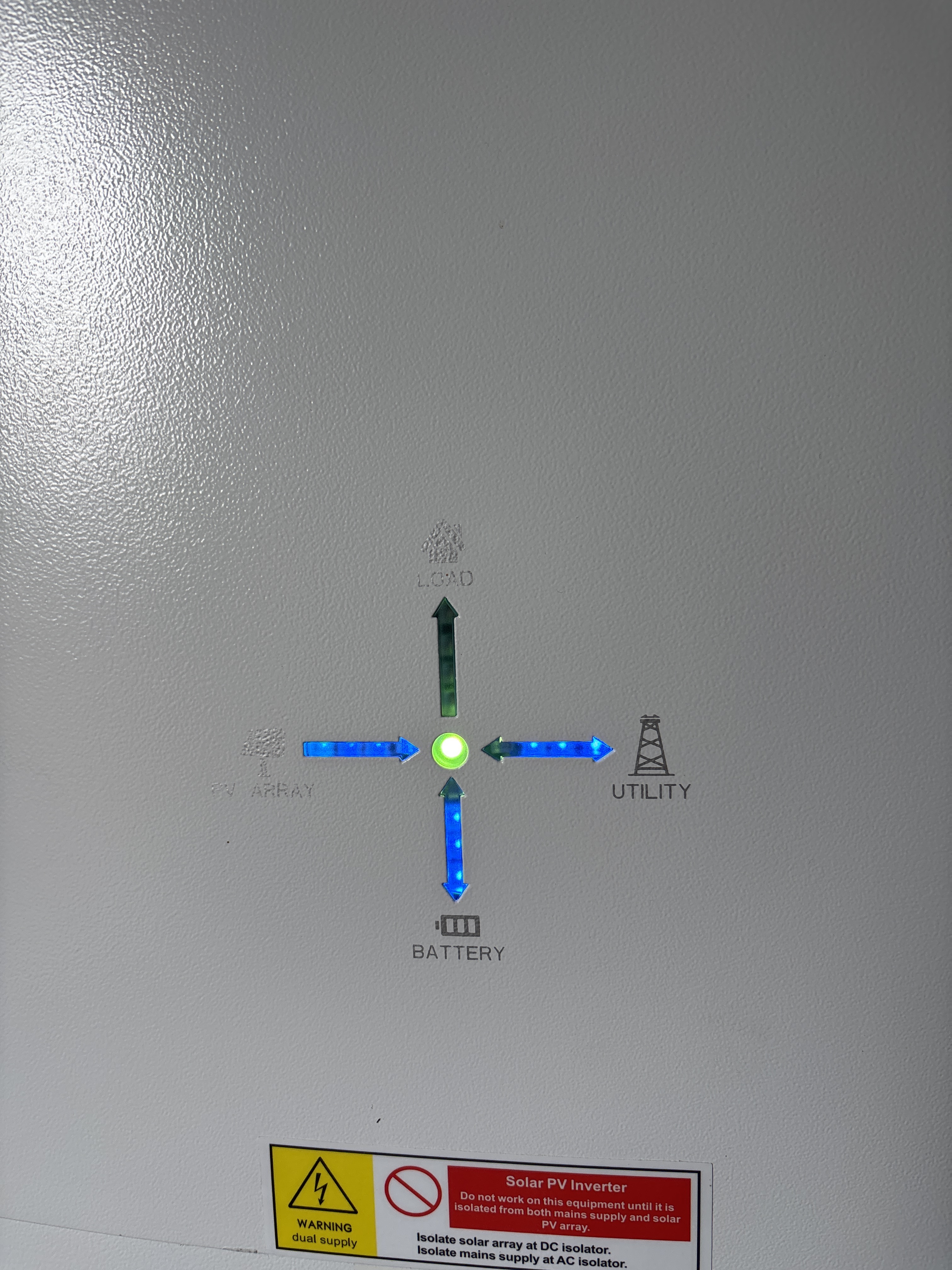
The battery should supply the house in eco mode.
Did you try WiFi? I would spend some time trying to get that connected. Do the dip switch’s first, then reboot. Then follow the instructions to connect the inverter to your WiFi. Don’t forget it needs 2.4ghz only so turn off 5 GHz.
You may need to factory reset the dongle if it won’t connect.
Hi yes I’ve spent hours pressing the reset button trying to establish a connection to the wi fi
I’ve used three separate devices in case it wasn’t showing on my phone so I’ve used my wife’s phone, my laptop and iPad and the dongle doesn’t appear in any wi fi list even though it flashes blue constantly
I’ve also tried it with the dip switches in different combinations but mainly with them all on which is the “wi fi” mode
I’d be astonished if the inverter just isn’t goosed
1 Like
For a GivEnergy Hybrid Inverter Gen 3, the Wi-Fi access point (used during setup) normally broadcasts an SSID in this format:
BAxxxxxxxx
- BA + 8-digit number (usually the Wi-Fi module serial number).
- Example: BA19520257.
- You connect your phone to this network first, then configure the inverter to join your home Wi-Fi through the installer/app.
Additional notes:
- The internal Wi-Fi module serial numbers for Gen-3 units typically start with WH on the hardware label, but the broadcast SSID itself appears as BAxxxxxxxx.
- The SSID is usually visible only during setup or after a Wi-Fi reset/restart of the dongle/module.
If you cannot see the SSID:
- Power-cycle or reset the Wi-Fi module/dongle.
- Ensure the inverter is in Wi-Fi mode (dip switch setting).
- Wait ~30–60 seconds after boot for the AP to appear.
On a GivEnergy Gen 3 Hybrid Inverter there is no removable USB dongle. The Wi-Fi module is internal, but it can still be reset. The reset control is inside the inverter near the dip switches.
Procedure to reset the internal Wi-Fi module
- Isolate the inverter safely
- Turn off the AC isolator.
- Turn off the PV isolator (if present).
- Turn off the battery if installed.
- Remove the bottom cover
- The communication board with the dip switches and Wi-Fi module is under the inverter’s bottom panel.
- Locate the reset button
- There is a small recessed reset button on the internal Wi-Fi/communication board (near the dip switches).
- Press and hold the reset
- Hold the button ~15 seconds.
- Wait for the module to reboot
- The Wi-Fi access point should reappear after the module restarts.
- Power the system back up
- Restore power in reverse order (battery → PV → AC).
After reset:
- The inverter should broadcast its setup Wi-Fi again (usually BAxxxxxxxx or similar depending on module firmware).
- Connect to it and configure Wi-Fi again via the installer interface.
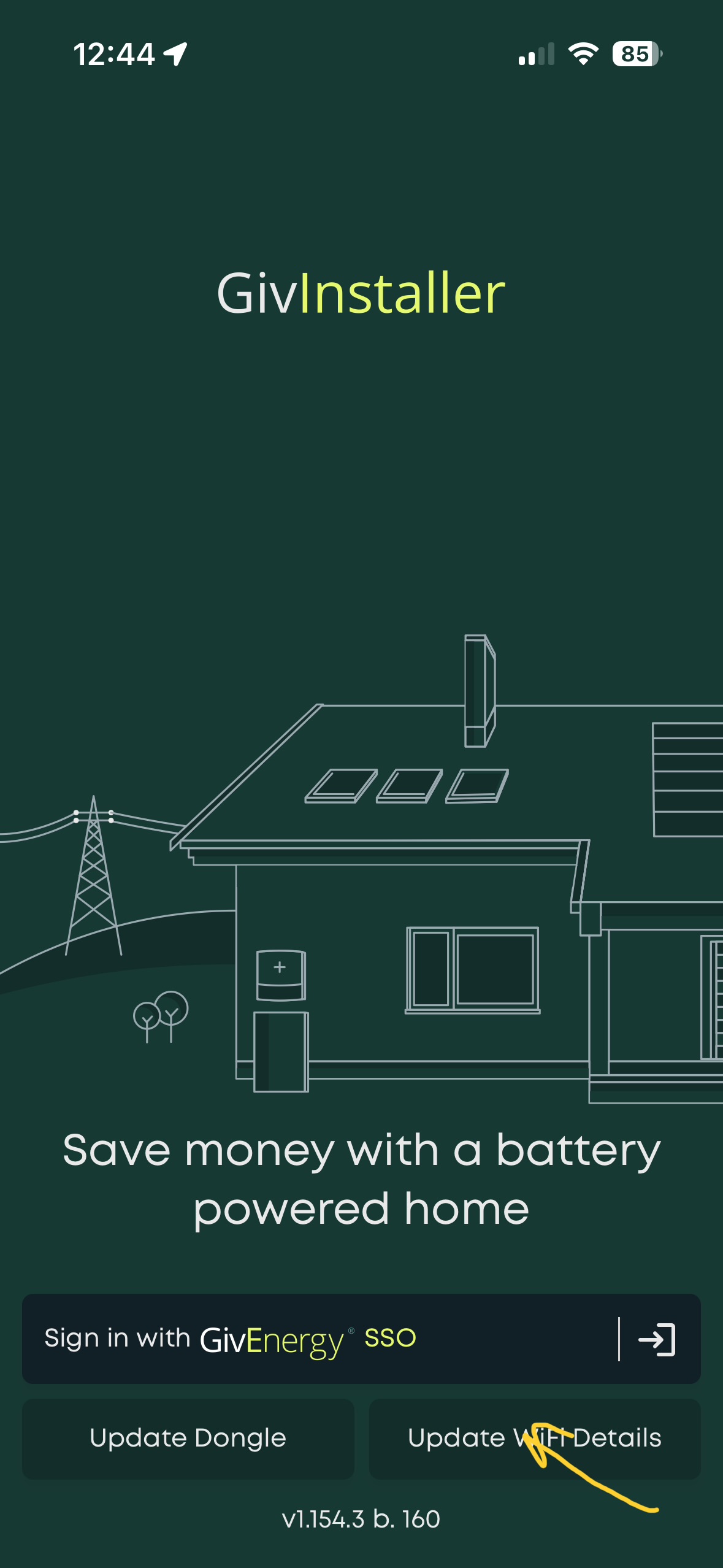
Thanks Dave
It still doesn’t show up on my network list
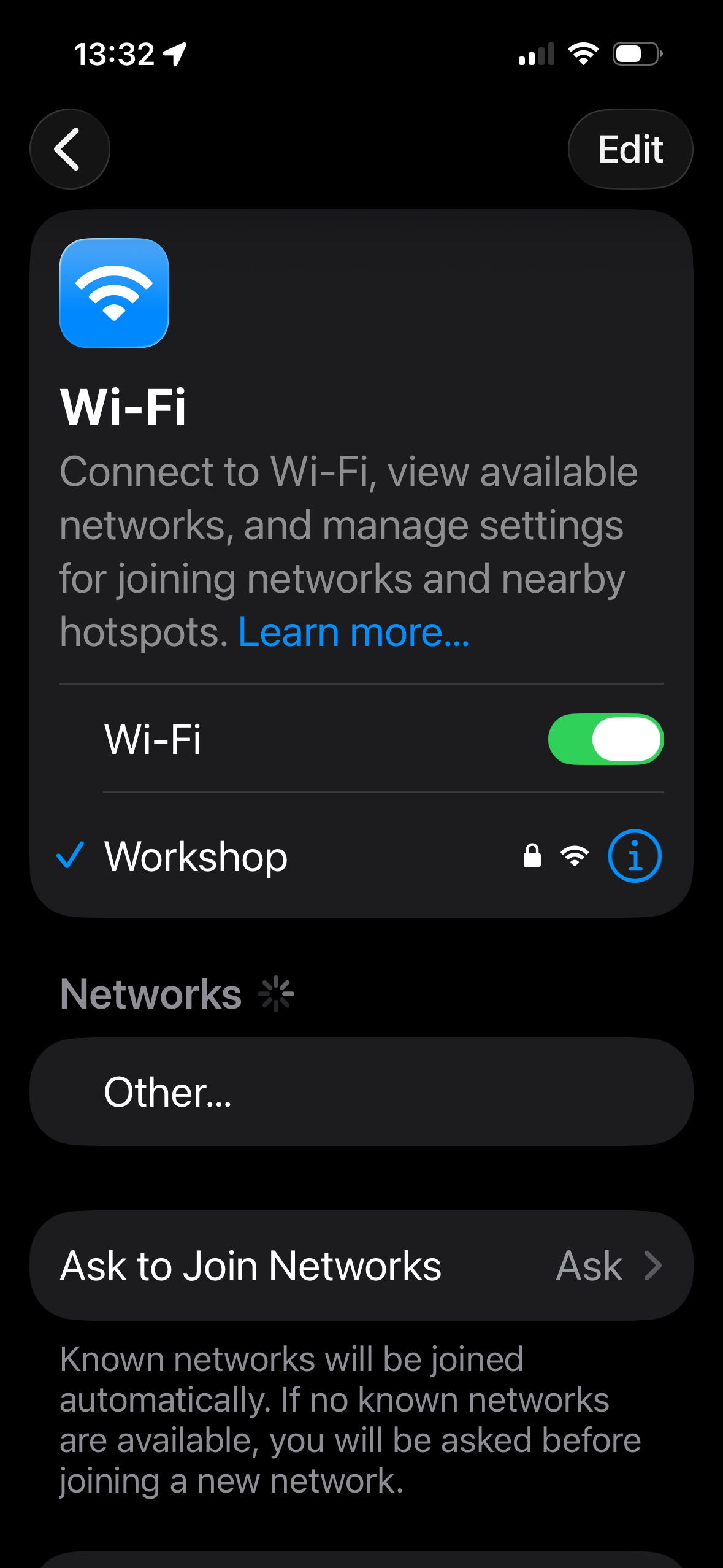
Workshop is the tp extender which gives wi fi to the garden and garage
1 Like
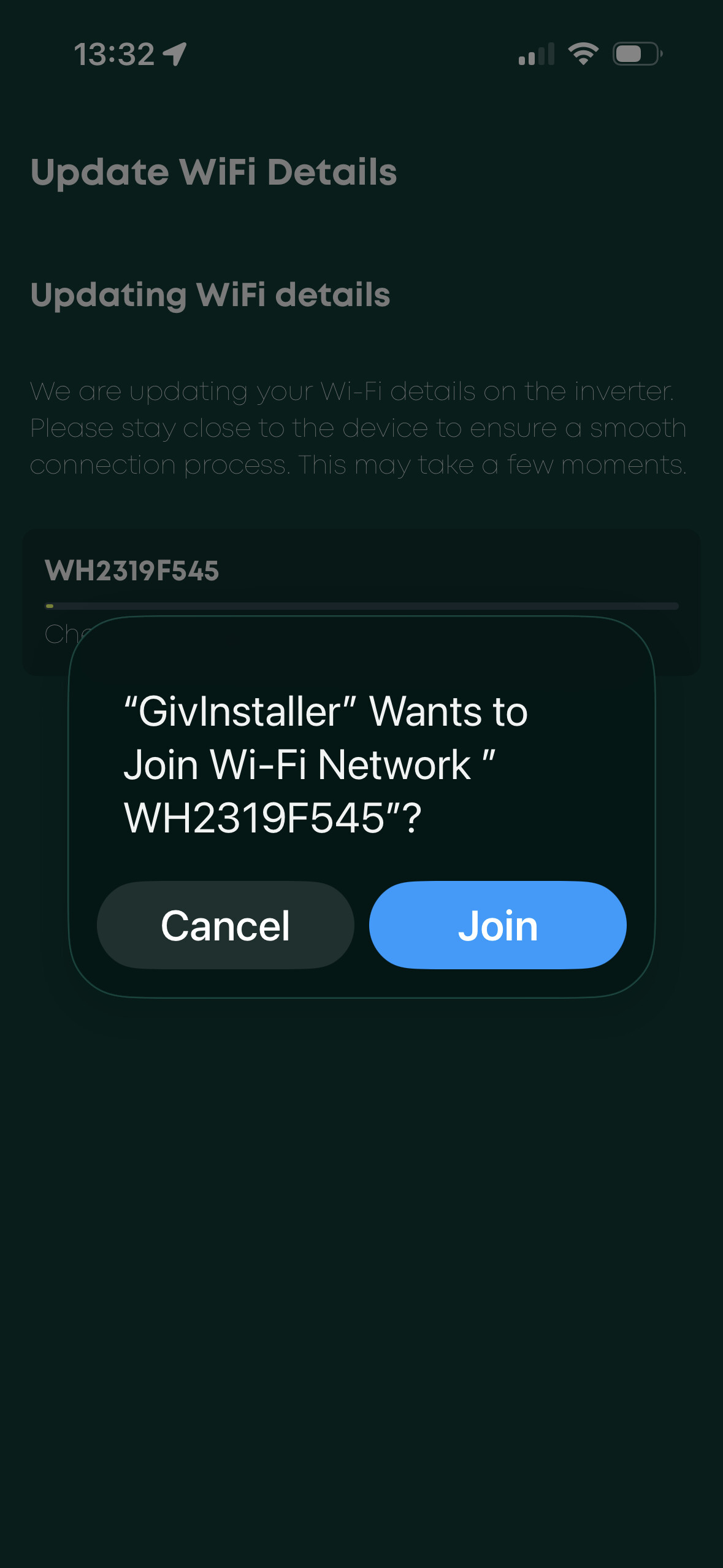
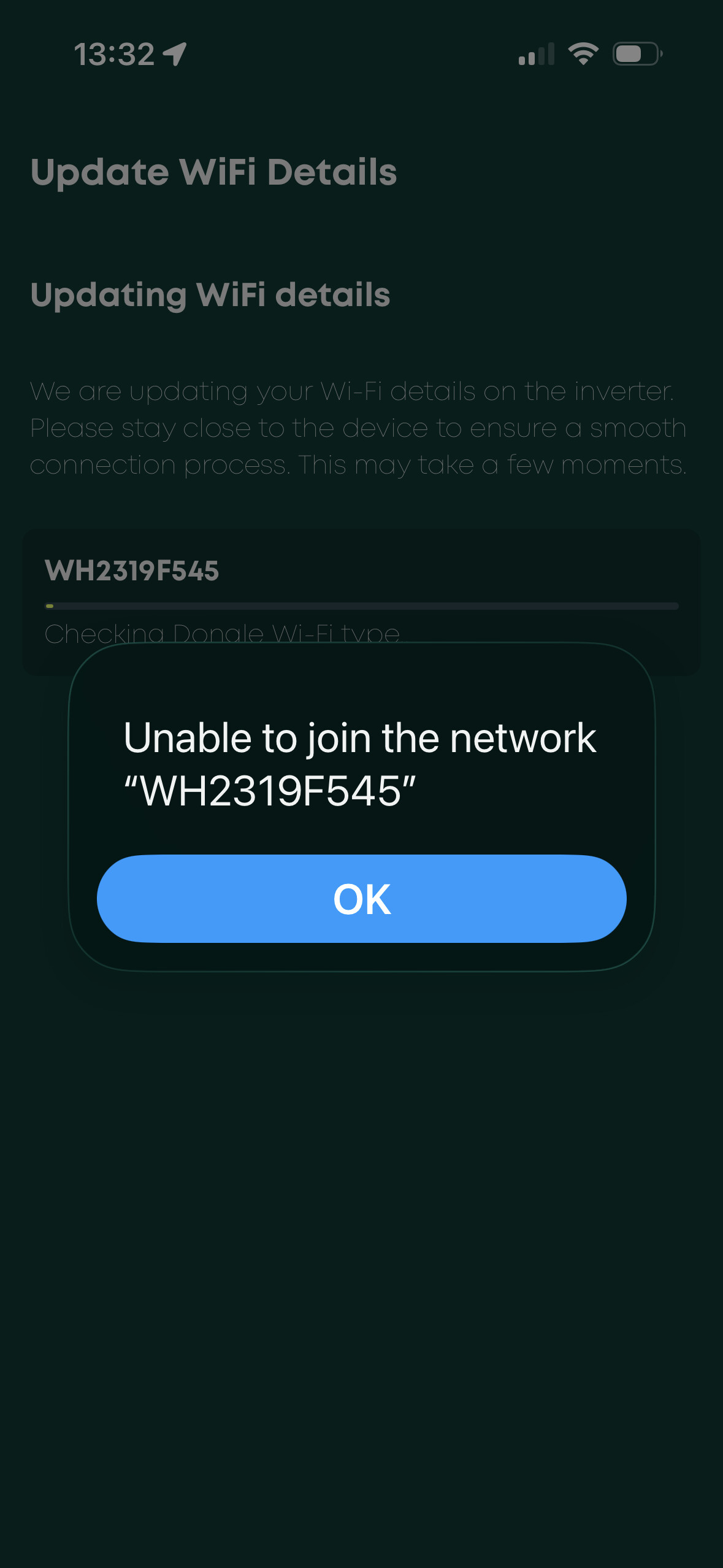
Looks like your getting somewhere, that looks like the SSID for your Inverter. So when you join I am guessing you have to type in a password for this WiFi. Are you sure it’s correct? Or it’s something to do with 5 ghz, as GE only connect via 2.4 GHz.
For a GivEnergy Gen 3 Hybrid Inverter internal Wi-Fi module broadcasting WH2319F545, the default access-point password is typically:
12345678
Common behaviour for these modules:
• SSID: the Wi-Fi module serial (e.g., WH2319F545)
• Default password: 12345678
• The network is used only for initial configuration so the inverter can be connected to your home Wi-Fi. Also try this as the PW WH2319F545
If that password does not work, check the following locations where the password is sometimes printed:
1. Sticker on the inverter side or underside
2. Label on the communication board inside the bottom cover
3. Installer documentation from the system installation
Once connected to the inverter Wi-Fi, the configuration page normally opens at:
• http://10.10.100.254
If access is needed to the installer page after connecting, the common login is:
• Username: admin
• Password: admin
What is the state of the LED?
the LED colour or status on the comms board, as that indicates whether the module is in AP mode, router mode, or fault state.
I tried to add the inverter serial number WH by manually entering into “other networks” on my iPhone rather than it finding it by itself so it’s not like the phone has found the wi fi signal at all
Sorry I should have mentioned that
1 Like
The blue light under the inverter next to the reset button flashes blue fast then it changes to a slow steady flash
Obviously I’ve been resetting it a lot so that causes it to flash blue fast once it’s reset but then it goes steady blue flashing
1 Like